
Lovense Spinel Mini Sex Machine Review


Lovense Spinel Review
Hi guys and welcome back to another Lovense episode. In today’s blog, I’m going to be telling you all about the new Lovense Spinel. As always, there is lots to cover in today’s blog, so I’m going to shut up and let’s get into it.
Hi guys, I’m UKDAZZZ as always, and as I said at the start of the blog, I am going to be telling you all about the new Lovense Spinel. If you haven’t heard of Lovense before, they make interactive sex toys for men and women, and the Lovense Spinel is their newest release. This is a mini handheld or hands-free sex machine.
What’s in The Lovense Blog
So what’s coming up in today’s episode? Well, I’m going to give you an unboxing like I do in all my blogs. I’m also then going to show you how to use the Lovense Spinel. I’m going to show you what you get with the Lovense Spinel, and I’m going to show you how to use it.
I’m going to show you how to connect it to the Lovense Remote app. I’m going to show you all the settings within the app, and I’m going to show you how to control it within the Lovense Remote app. If that wasn’t enough, I’m going to tell you a little bit more information about it, and I’m going to give you a review at the end.
So there really is lots coming up in today’s blog. I’m going to shut up, and let’s get into the unboxing.
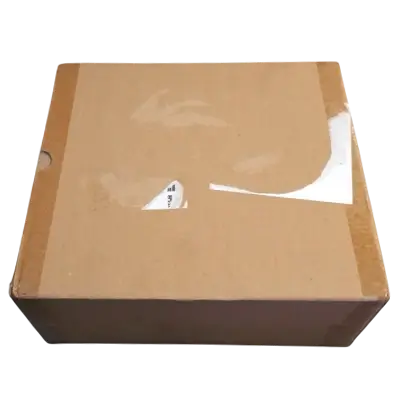
Is Lovense Deliveries Discreet?
Okay guys, we’re going to start off by showing you the outside of the box.
I do this in all my Blogs because many people ask, is it discrete packaging when you’re ordering from Lovense? The simple answer to that is obviously yes, there was a shipping label, but there was no mention of Lovense on it. As you can see, there’s also no mention of them on the outside. So let’s open it up and take a closer look at what’s inside.
Lovense Spinel Packaging
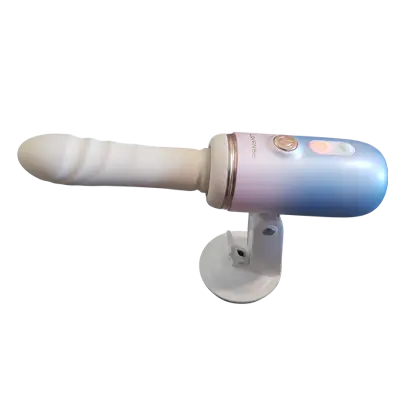
So this is the new Lovense Mini Multi-Attachment Sex Machine.
It comes with three attachments. It’s also self-heating. You can use it manually and hold it, or you can use the suction cup that comes with it to make it hands-free.
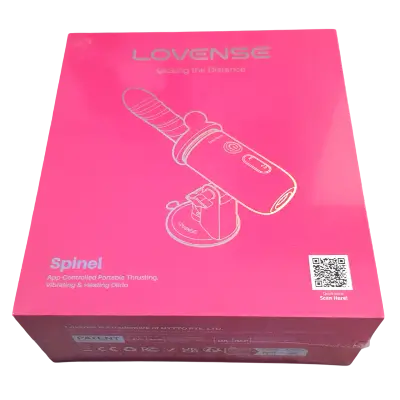
So let’s take a quick closer look at the box. On the front of the box, you can see a picture of the Lovense Spinel. In the bottom right-hand side of the box, there is also a QR code to download the Lovense Remote app.
If we take a quick look at the back of the box, it tells us what’s inside, it tells us what to expect from using the Lovense Spinel. So let’s get the cellophane off and get inside. Like all Lovense toys, it’s extremely well-packaged with lots of padding.
So let’s take a closer look and see what comes with the Spinel.
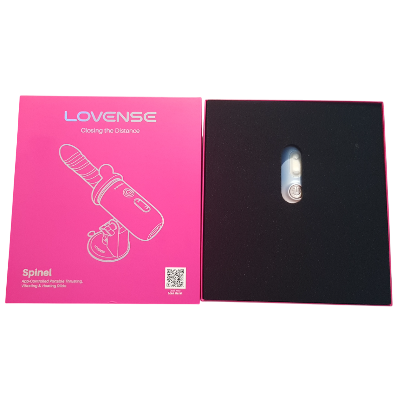
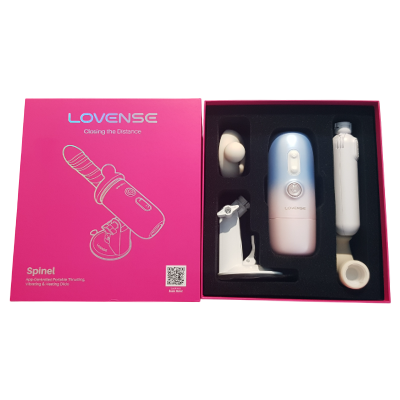
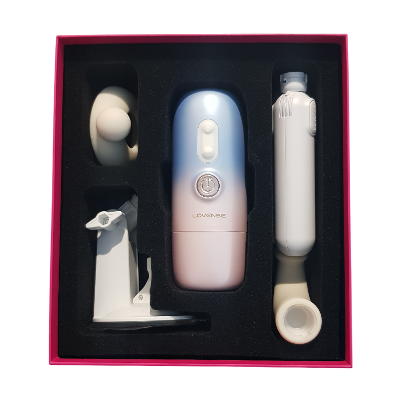
What Comes With The Lovense Spinel
On the right-hand side, you have two attachments. The first out is the curved G-Spot attachment.
Alongside that is our straight dildo. Underneath those two is our 150 degree adjustable handle. I’ll show you how to attach it to the Spinel later in the blog.
In the top left-hand side of the box is our click stimulator attachment. Next out in the bottom left-hand side of the box is our adjustable hands-free suction cup. That’s all the attachments out of the way.
In the top left-hand side of the box, we also have our USB-C charging cable. You’ll also have a spare cover for the charging port. Within in the middle of the box, obviously, we have our Lovense Spinel.
Finally, at the bottom of the box is our user manual. This tells you how to use it, but by the end of the blog, you won’t need to read it. I’ve also done a quick check under the padding to make sure I’ve not missed anything.
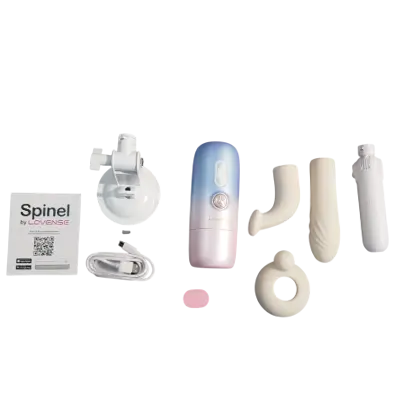
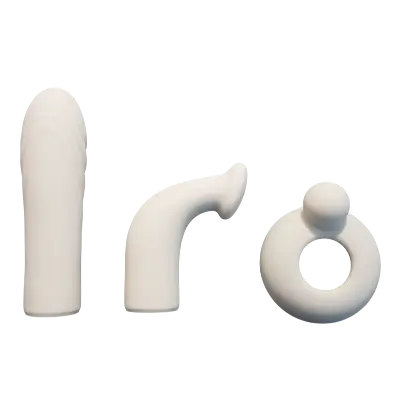
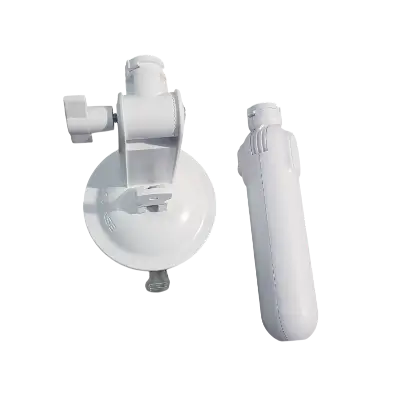
How To Use The Lovense Spinel
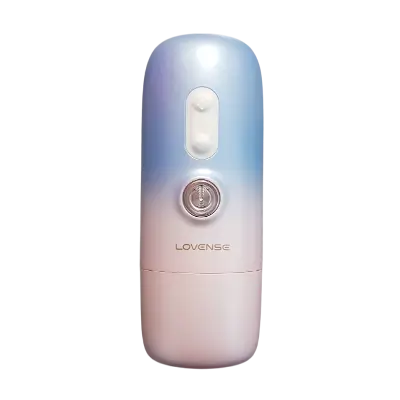
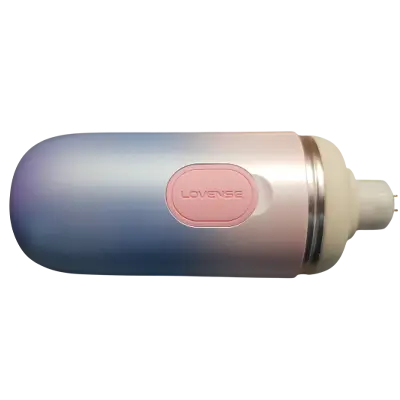
With everything taken out, we’re going to take a closer look at the Lovense Spinel and how to use it. On the front of the toy, there are three buttons. The big silver one in the middle turns the Spinal on.
The two above it control the thrust and the vibrations. To put your attachments onto the Spinal, you first need to remove the lid. You’ll notice in the centre there is a black rim.
This needs to be removed before any of the attachments will lock into place. The notches on the G-Spot vibrator and the dildo will not line up. To remove it, all you simply need to do is peel it off.
Once removed, you can line up the notches on the dildo or the G-Spot vibrator and twist them into place. To remove either of the attachments, all you need to do is twist them in the opposite direction. Then you can either clean the Spinel or you can swap out the attachment.
The Lovense Spinel Handsfree Sex Machine Mount
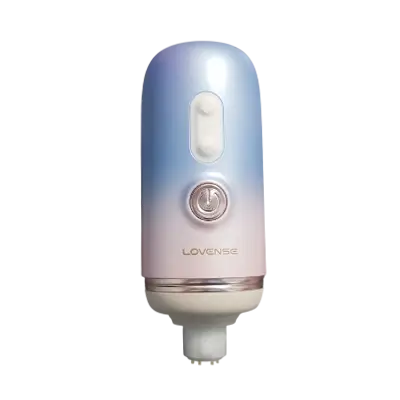
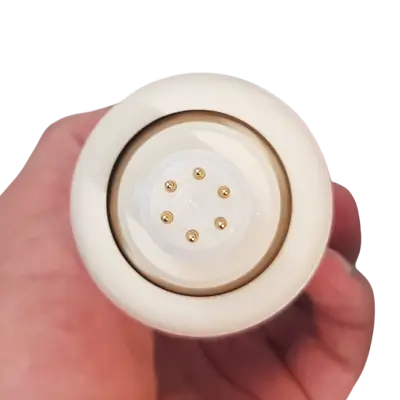
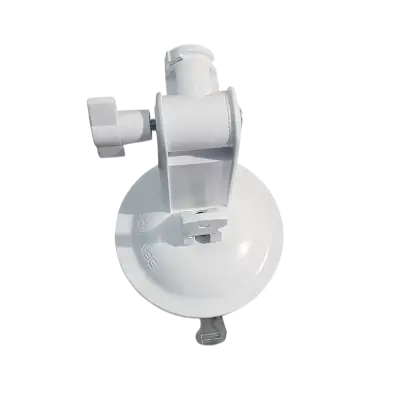
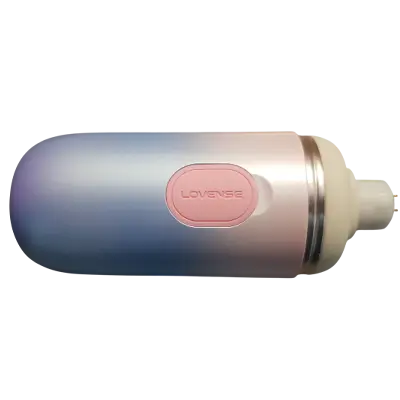
To attach the hands-free suction cup to your Lovense Spinel, the first thing you need to do is remove the rubber panel on the back. You’re then going to need to line up the notches that are on the back of the Spinal with the suction cup. There is only one way round this can go.
Once it’s the right way round, put the suction cup into the back of the Spinel and give it a twist. This will lock it into place. There’s a screw on the side of the suction cup that lets you change the angle of the Spinel.
Loosen it, adjust the angle and then tighten it again. On the bottom of the suction cup, you’ll also notice that there’s an arm that you can push down. This activates the suction cup.
Lift the arm back up and it releases.
The Lovense Spinel Sex Machine Handle
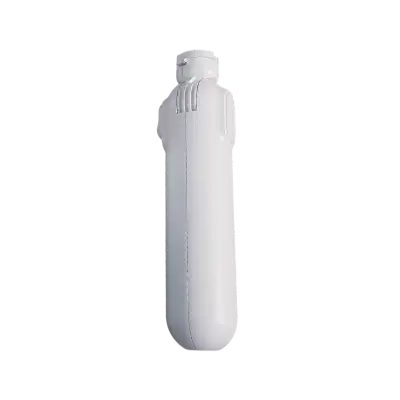
If at any time you want to use the Spinel with the arm, the first thing you’ll need to do is remove the suction cup. As before, what you need to do is line up the notches on the toy with the notches on the handle.
Twist it and it will lock into place. There’s no screw to adjust the angle but there is a button on the side. Slide it down, adjust the angle and then release it to lock it.
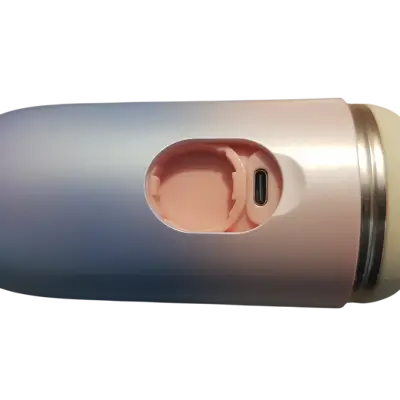
Lovense Spinal Charging Port
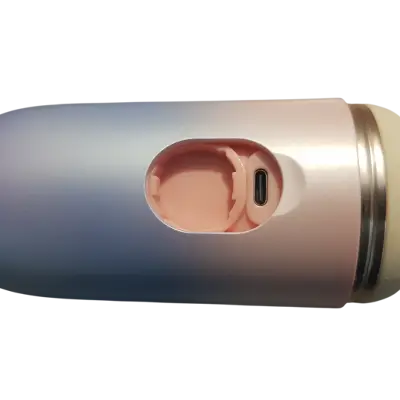
The charging port is located next to where you attach the handle or the suction cup. This is a standard USB-C charging cable and all you need to do is just plug it in. When the Spinel is not in use, make sure to put the panel back on the charging port.
This keeps it water resistant and dust resistant.
What we’re going to quickly do now is fit the Clip Stimulator.
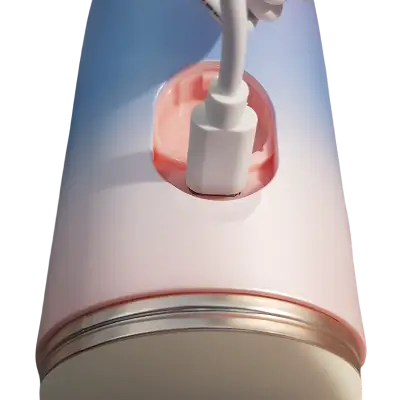
Lovense Spinel Clit Stimulator Attachment
So we’re going to quickly take off the lid and put on the attachment.
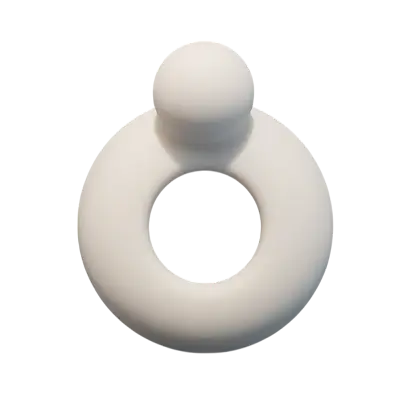
This just simply slides over the top. There’s no locking mechanism to keep it in place. Then all you need to do is put on your attachment over the top.
Then by locking the attachment into place, it will hold the Clip Stimulator in place. The Clip Stimulator works with both attachments.
Next we’re going to be taking a look at how to use the Lovense Spinel.
How To Use The Lovense Spinel
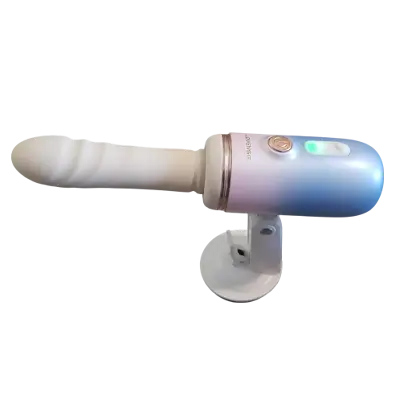
To turn the Spinel on, hold down the silver power button. You’ll see the green light start flashing. To start the toy vibrating, push the green flashing button.
To change the vibration patterns, push the button again. You use the same button to cycle through all the patterns. To start it thrusting, push the top button.
Again to cycle through the speeds, just push the button again. To pause the spinner, push the silver button. And to turn it off, hold down the silver button for longer.
Both attachments work the same way. The green flashing button in the middle turns on the vibrations. If you keep pushing it, it will change the pattern.
Then when you want to turn on the thrusting, all you need to do is push the bottom button. Again there are different speeds and patterns. To cycle through again, you just push the bottom button.
How To Use The Warming Feature
If at any time whilst using the Lovense Spinel you want to turn the heating function on, all you need to do is hold down the green flashing button. This will then turn orange. Depending on the temperature of the toy, it takes about 5 minutes to warm up.
In that time you can still carry on using your Lovense Spinel. Once finished to turn off the heating function, all you now need to do is hold down the now orange flashing button. The light will then turn back to green.
If you have found this blog useful so far, please do hit that like and follow button. If you have been inspired to buy yourself the Lovense Spinel, then there is a link in my profile.
So there you have it guys, that’s what you get when you buy the Lovense Spinel and how to use it as a standalone toy.
The next thing I’m going to do is show you how to connect it to the Lovense Remote app and how to operate it within the app.
How To Get The Lovense Remote App
Okay guys, the first thing you need to do is make sure your Bluetooth is switched on, your toy is switched on and you’ve downloaded the Lovense Remote app.
Setting Up The Lovense Remote App
Ok guys, to connect your Lovense Spinel to the Lovense Remote app, the first thing you need to is make sure your Bluetooth is switched on. You also have to make sure that your toy is switched on and that you’ve downloaded and installed the Lovense Remote app. (scan above)
How To Connect The Lovense Spinal To Remote App
As you can see I’ve already done that so I’m now going to open the Lovense Remote app.
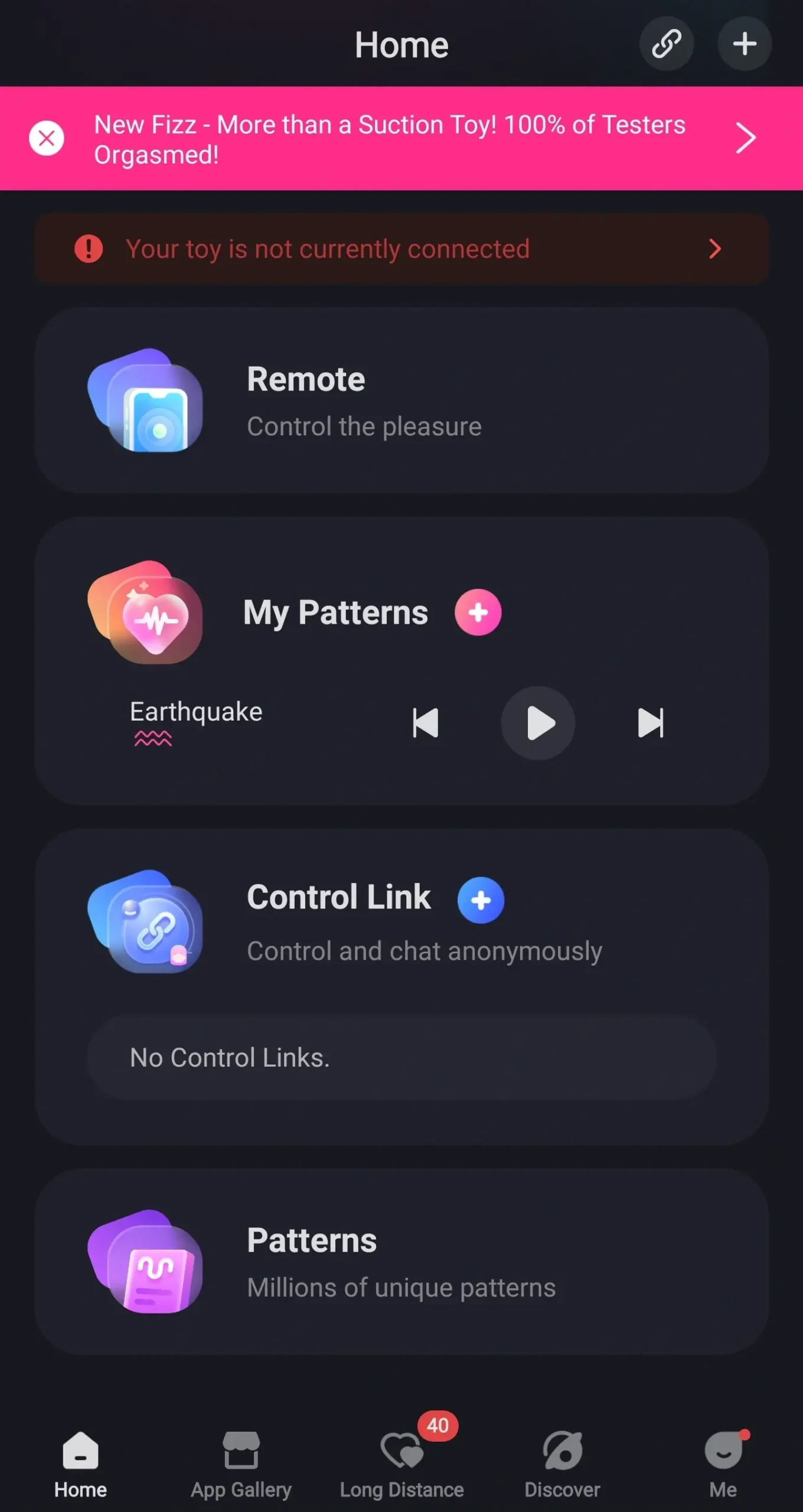
You’ll be taken to the app home page. You’re now going to want to click on the plus button in the top right hand side of the screen. You’ll see a small menu pop up and click on add toy.
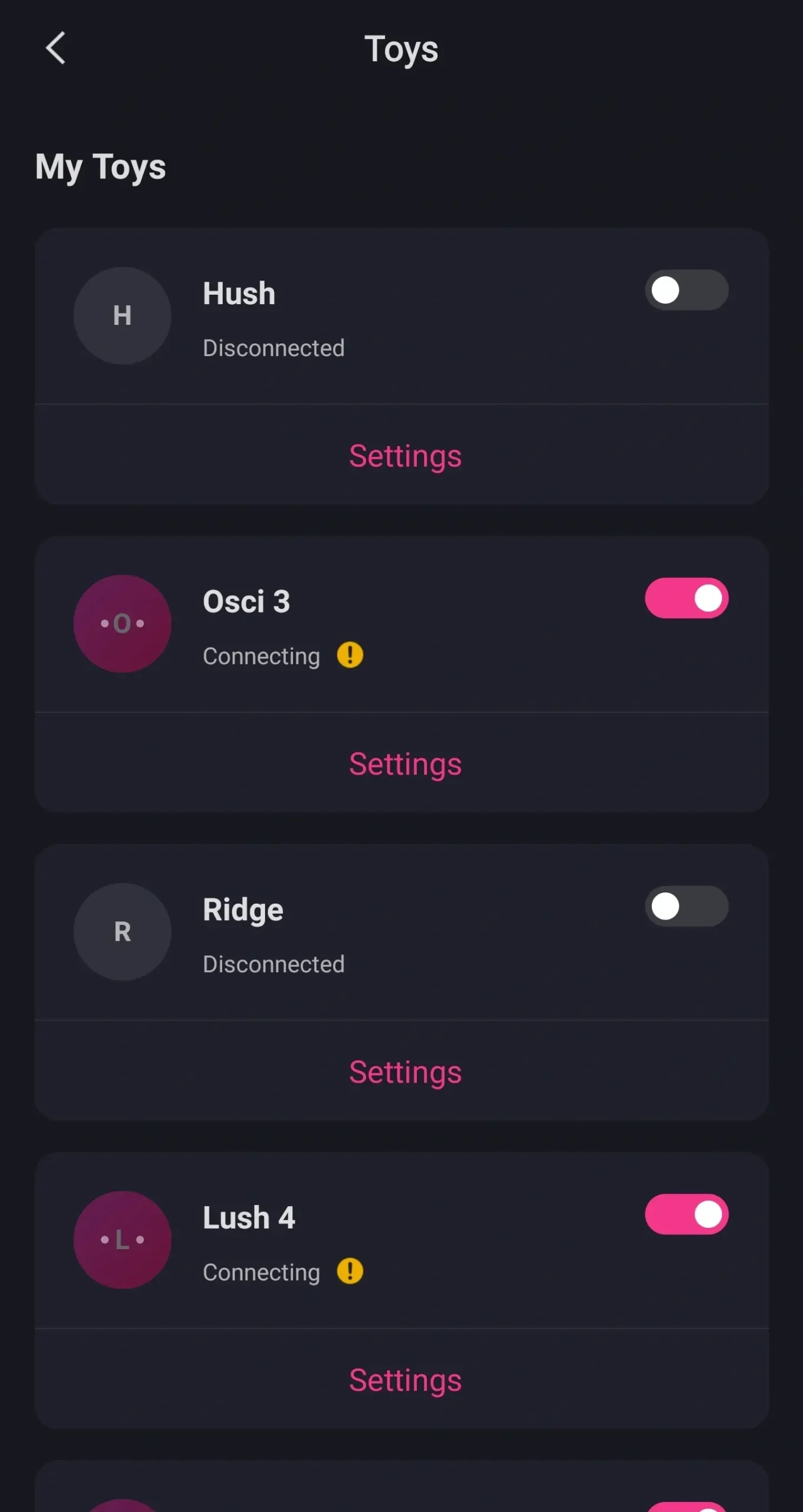
Your phone will then start searching. Scroll to the bottom of the page and you’ll see your Spinel toy. Click on it and it will start connecting.
It will disappear from the bottom of the screen and you will have to scroll back up to the top of the list. It will then say it’s connecting. When it has finished connecting it will say connected and you’ll also be able to see it’s battery life.

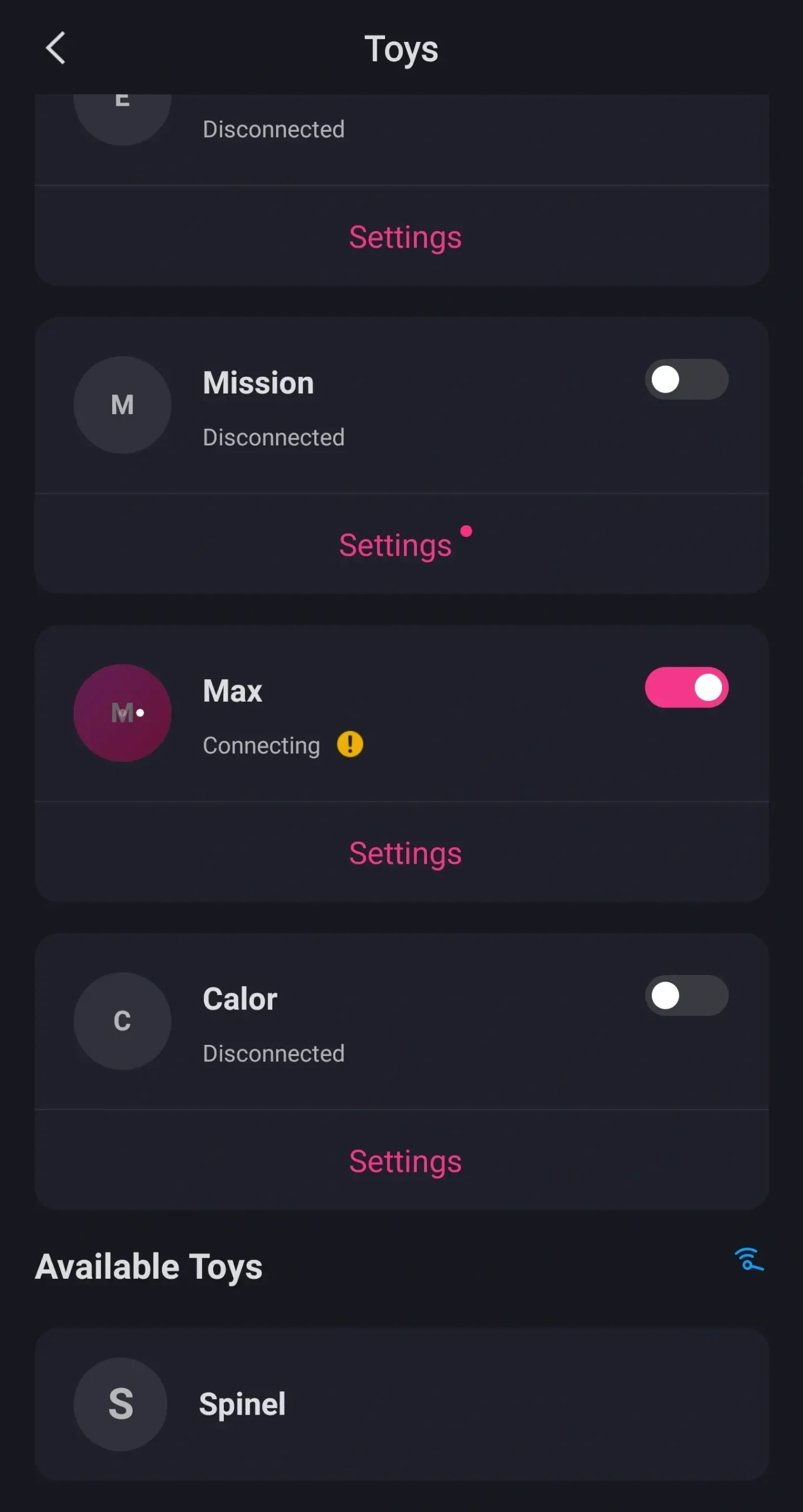
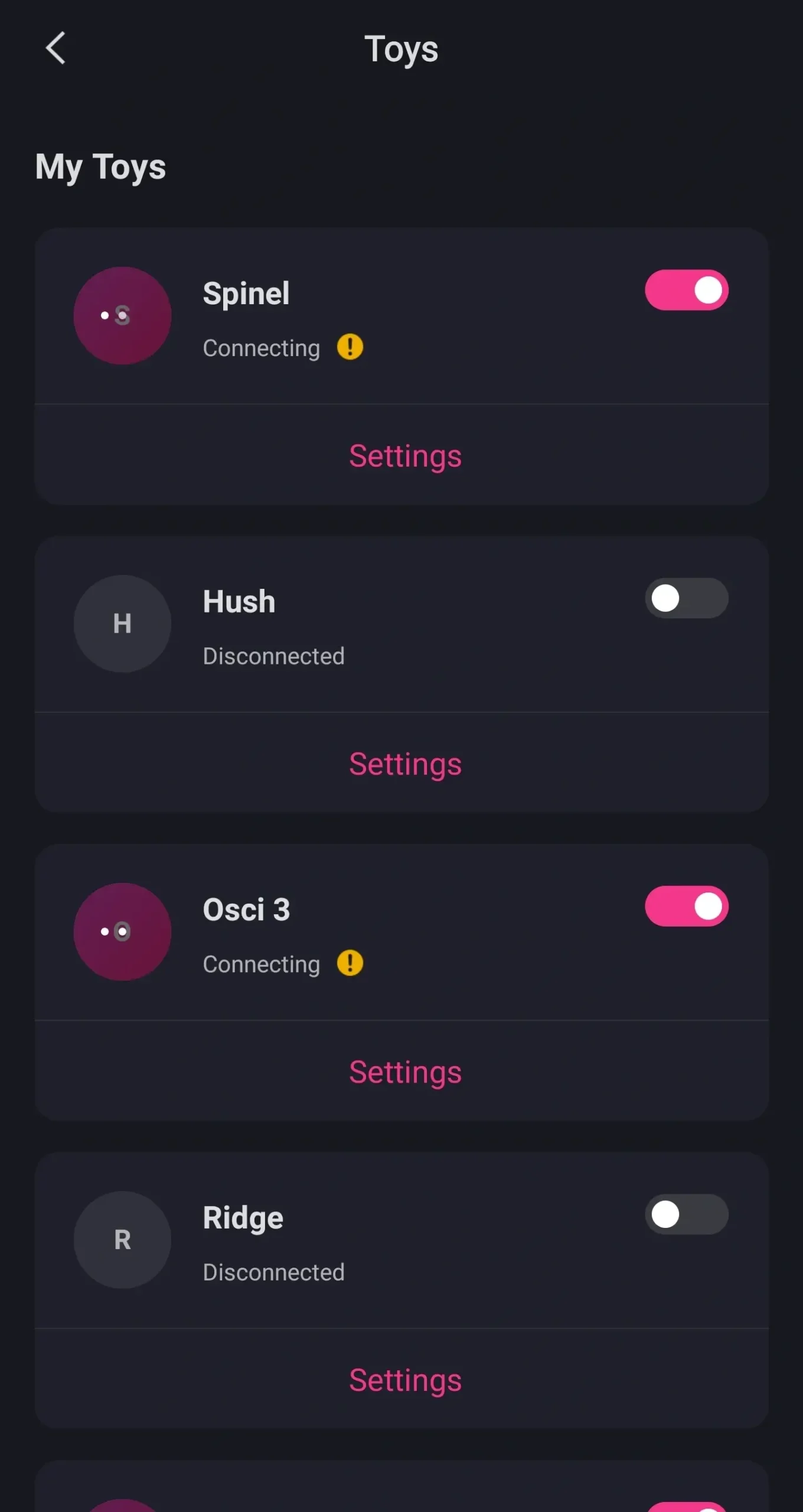
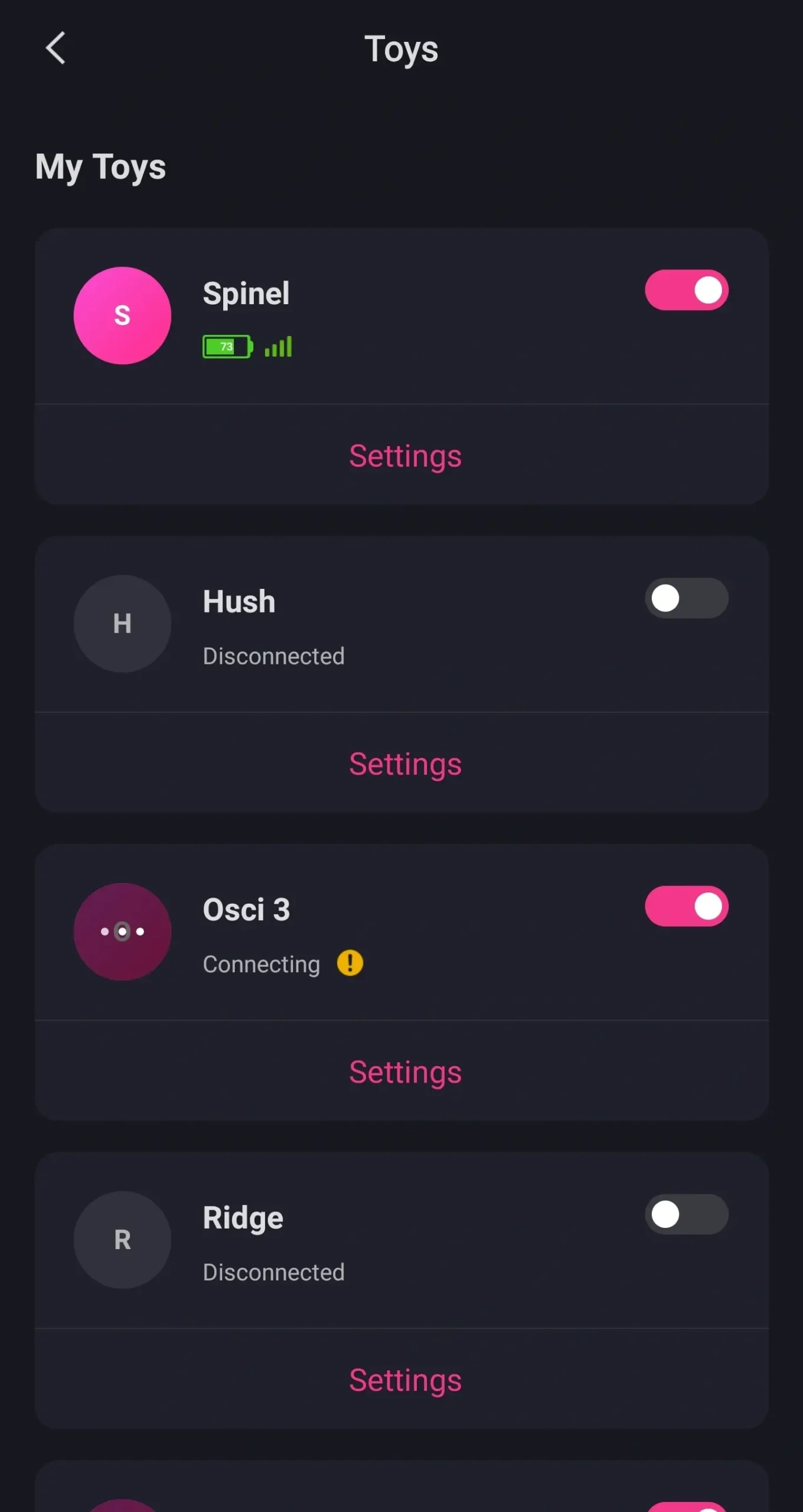
Lovense Spinel Settings
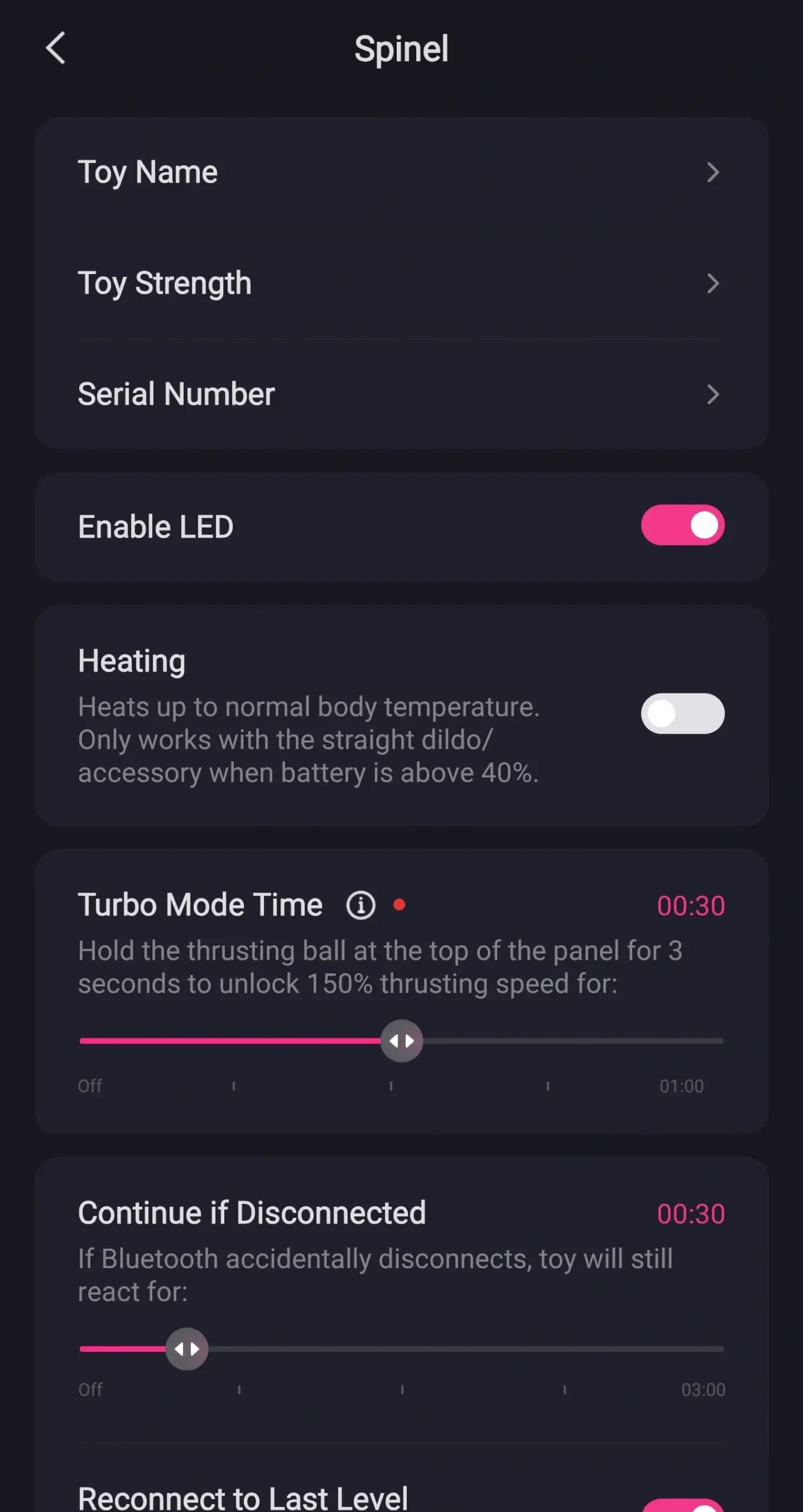
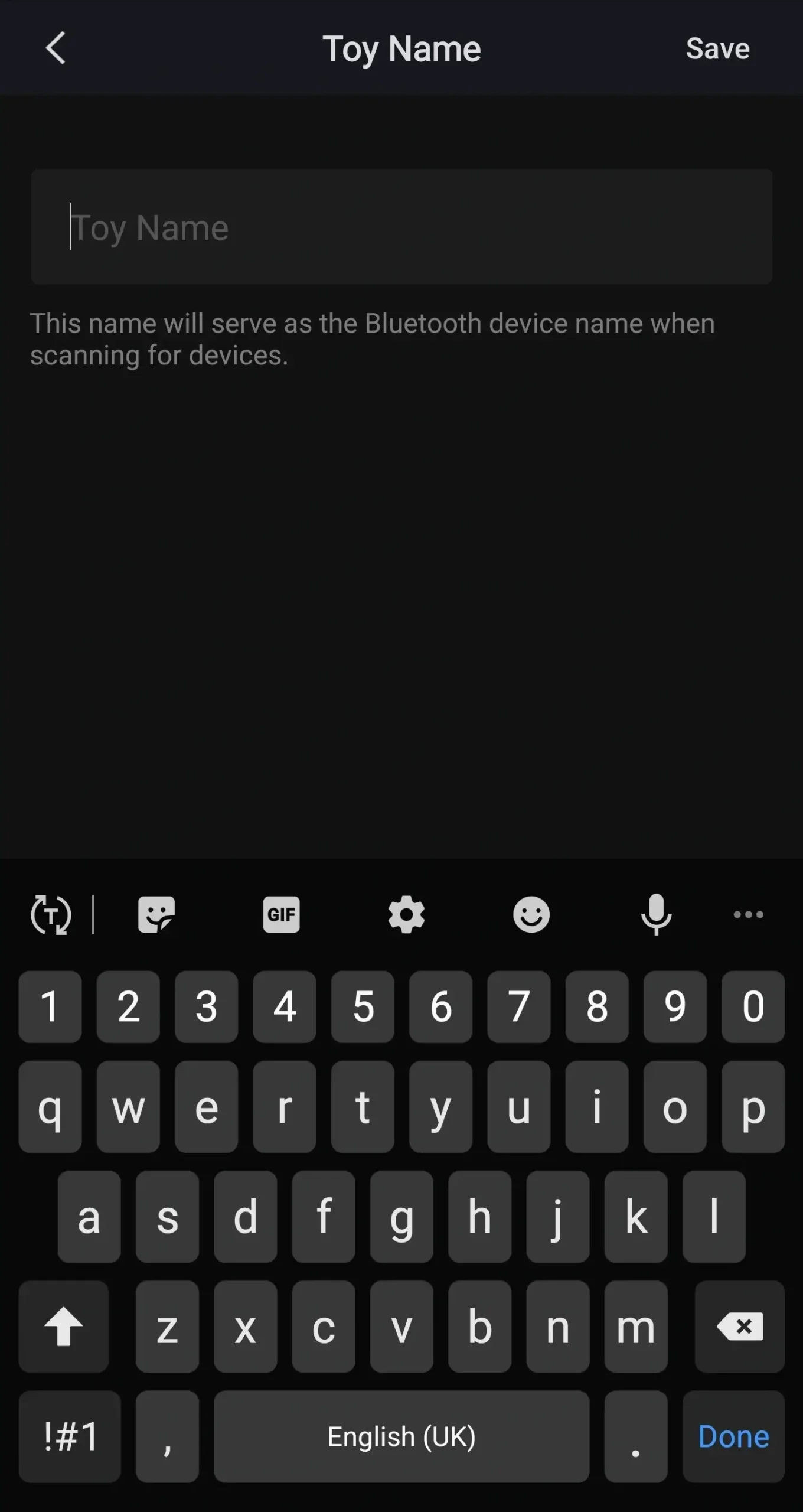
What we’re going to quickly do now is go through the settings menu. First on the list is toy name. If you don’t want it to be called Spinal then you can change it here.
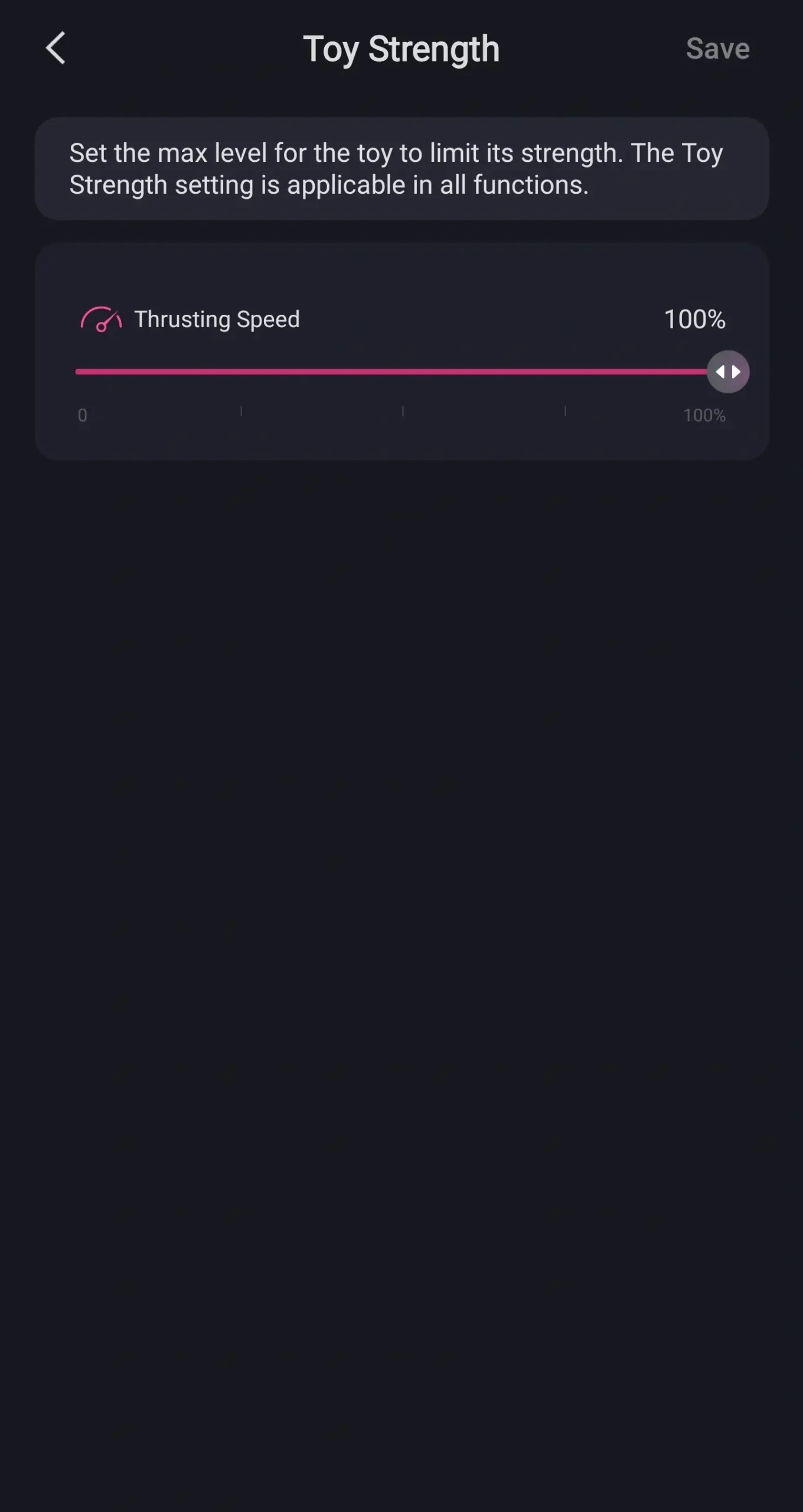
Next on the list is toy strength. If you find the toy too strong you can set the speed here. By lowering it it means it won’t go above this level.
This includes when you use it with a partner. Next on the list is serial number. I haven’t found out what this is for yet but I will do.
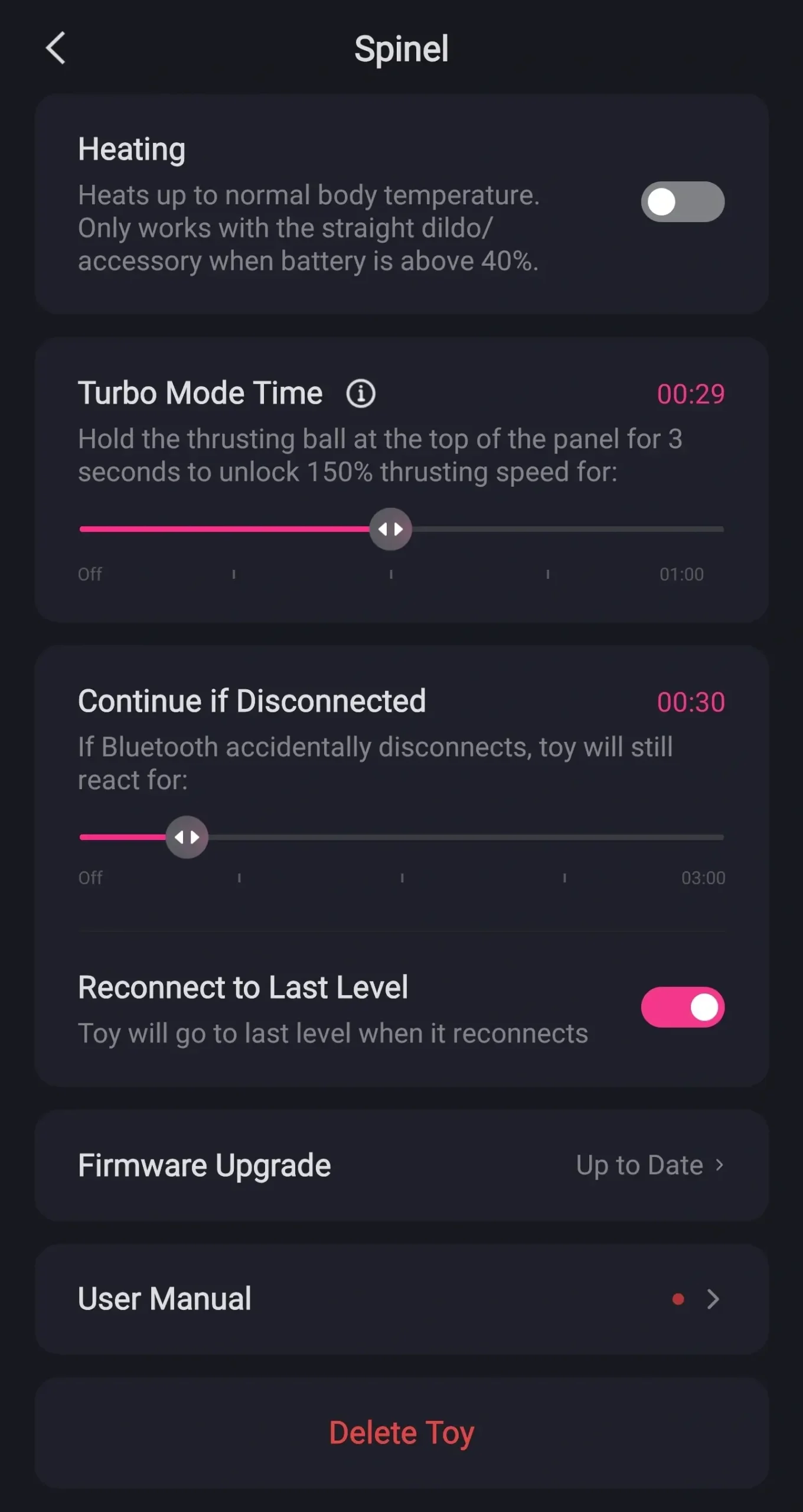
So next down is enable LED. This turns the lights on or off on the toy. All you need to do is click the toggle.
Next on the list is heating. This lets you turn it on and off within the app. Next on the list is turbo mode time.
There is a turbo mode on the Lovense Spinel and this is how long it will run for when you turn it on. Next on the list is continue if disconnected. If the toy loses the connection to the app it means that the toy will carry on and try and reconnect.
But whilst it’s doing that it will continue vibrating for the set amount of time. This means you can stay in the mood. Next on the list is connect to last level.
If the toy does disconnect and stop vibrating this is the level that it’ll go back to. Towards the bottom of the list is firmware update. This lets Lovense update your toys.
If they add any new patterns or features this is where you’ll find them. Next on the list is an online user manual. And finally on the list is delete toy.
This deletes the toy from the app but you can add it again later. What we’re going to do now is control our toy. So we’re going to click the back button in the top left hand side of our screen.
Once we’re on the toy list we’re going to click on the back button in the top left hand side of our screen again. This will take us to our main menu.
How To Use The Spinel In Remote App
This time we’re going to click on remote. This is where you can control your spindle from the app.
You’ll notice two pink balls at the bottom of the screen. If you want your spindle to start vibrating just move the pink ball on the left hand side. The higher you move it the more it vibrates.
To control the thrust move the pink ball on the right hand side. The higher you move it the faster it thrusts. If you don’t want to move each ball individually you can connect them both.
To do that drag one ball on top of the other. You can also do this with multiple toys. Then when you move it up and down the vibrations and thrusting work together.
If you had a second Lovense toy it would also be connected. To separate the vibrations and thrusting just tap and hold. Then all you need to do is slide them apart.
You can then go back to controlling each one individually.
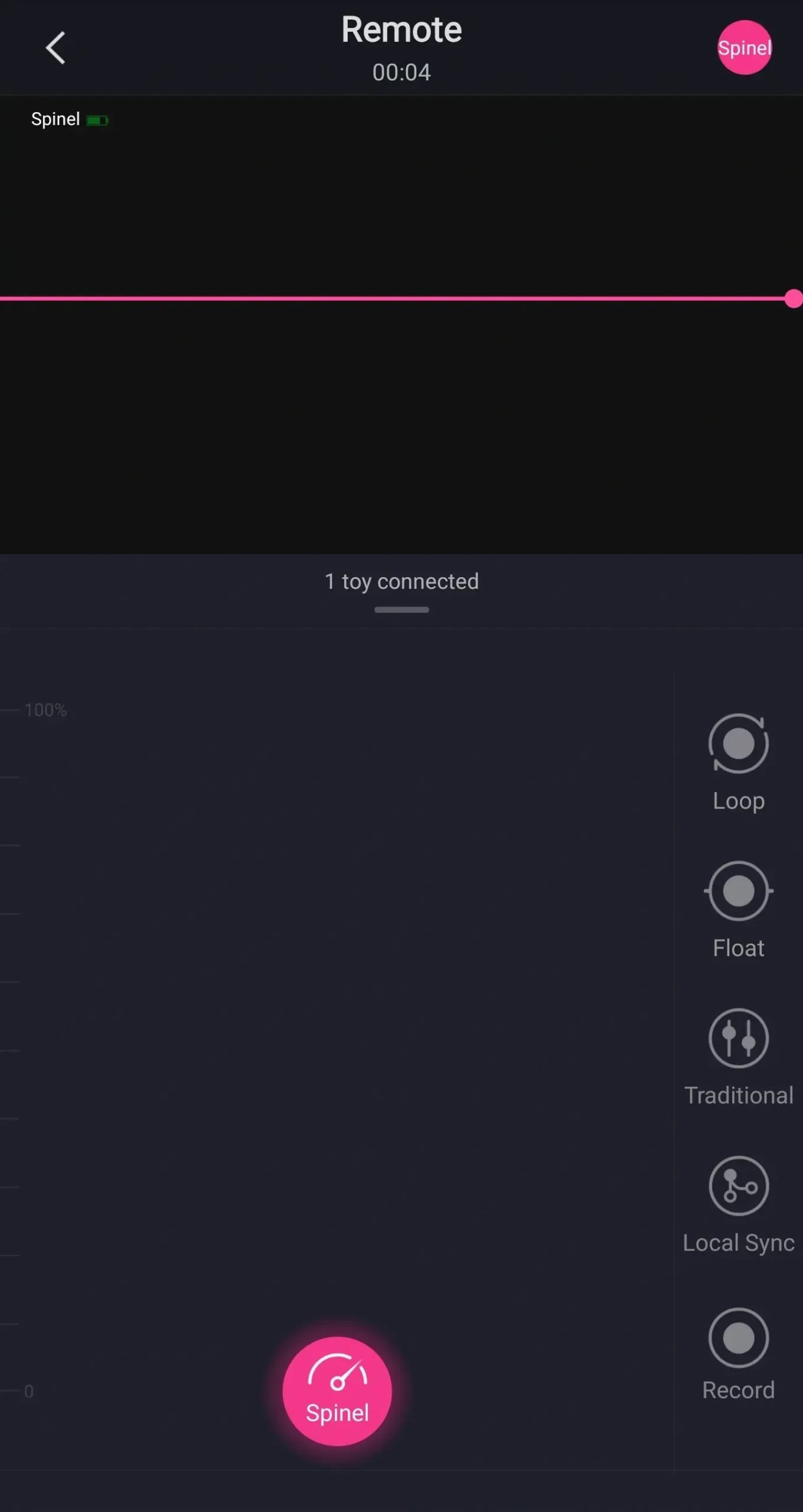
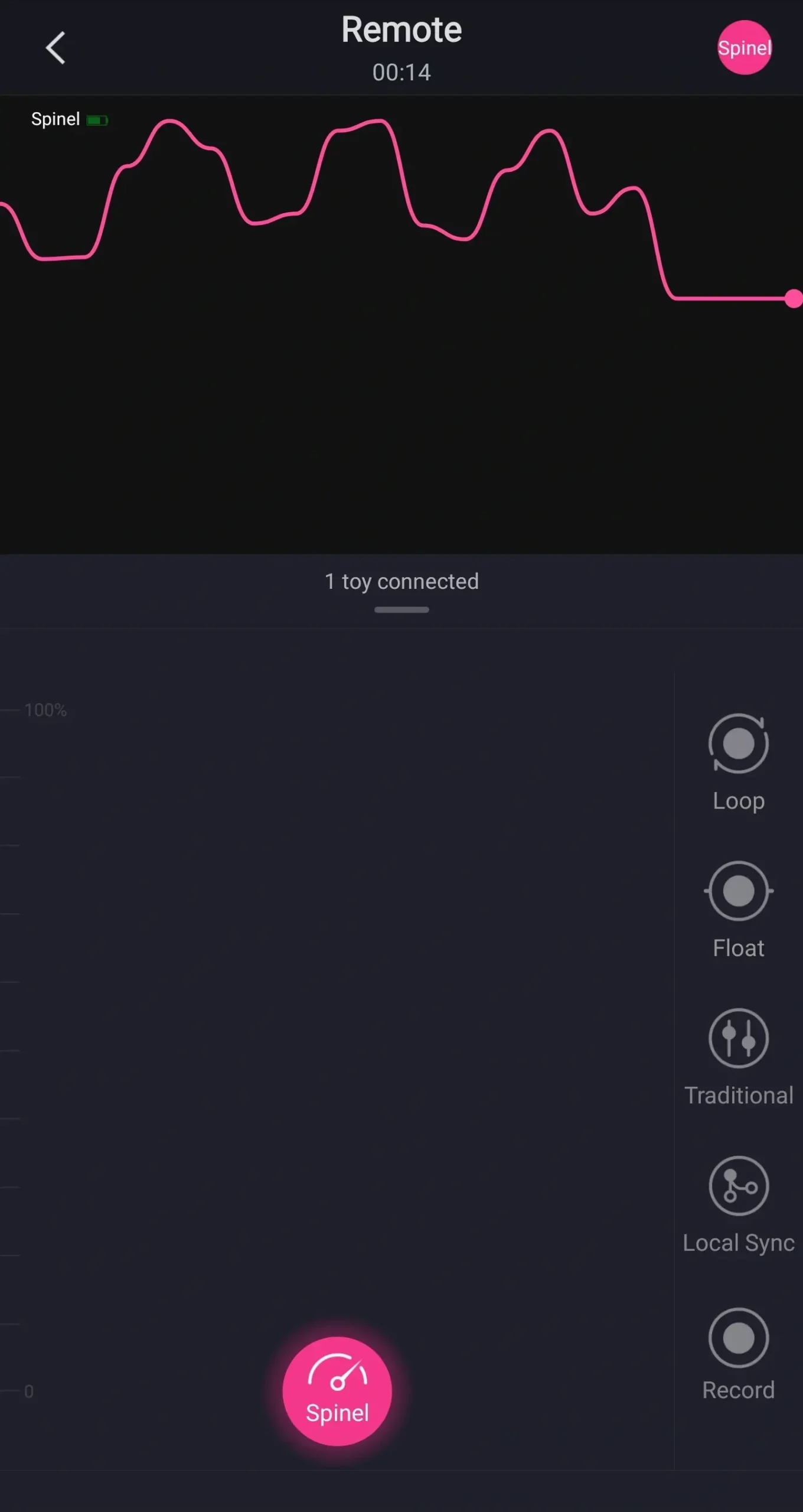
On the right hand side you have a few options on how to control the toy. The first one is loop.
Lovense Loop Explained
When selected any pattern that you make on the screen with either ball will be repeated once you let it go.
Lovense Float Explained
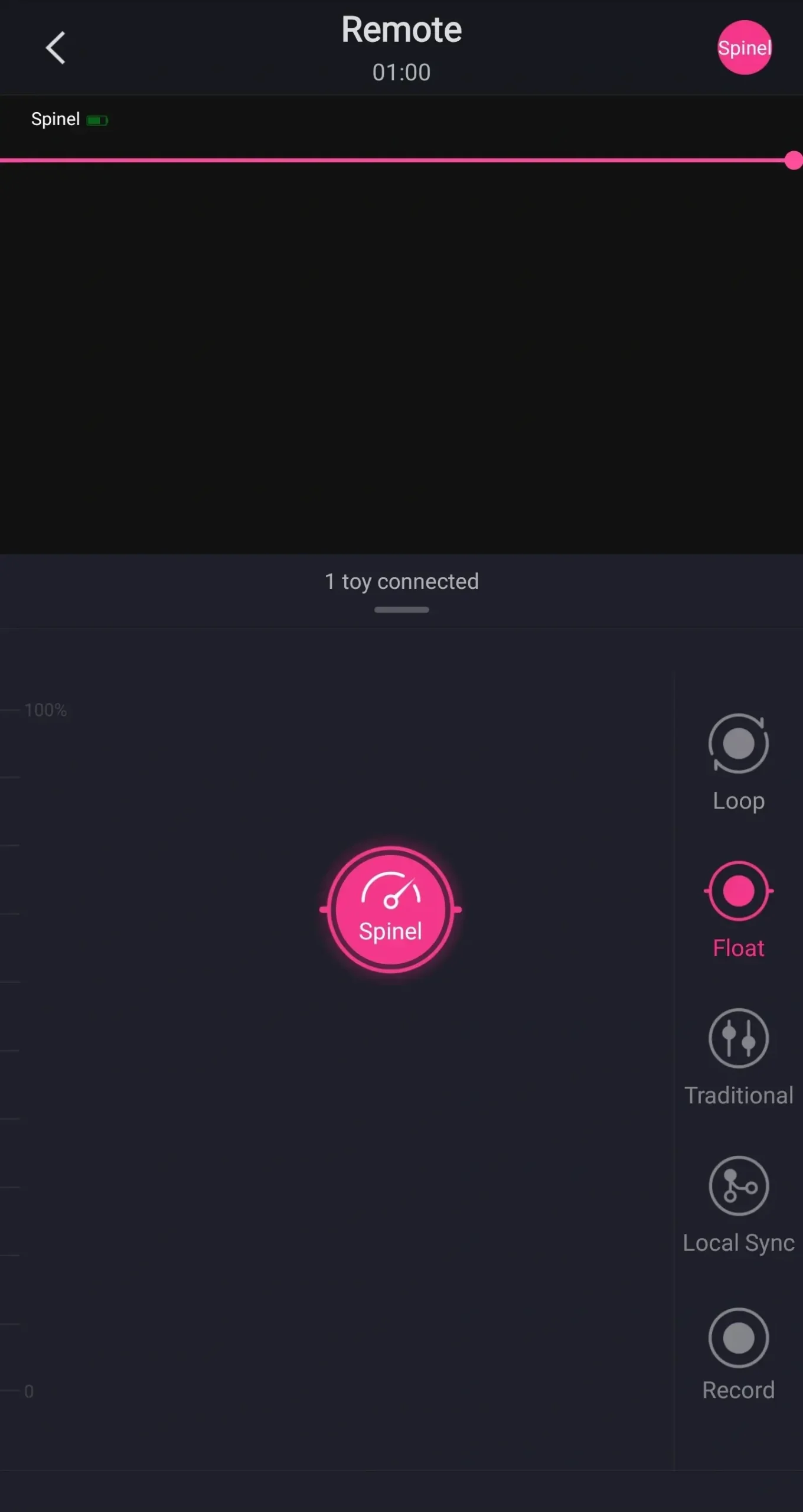
Next on the right hand side is float. When selected if you move the balls anywhere on the screen they’ll hold their position.
This means you can find your favourite speed on the thrust and on the vibrations.
Lovense Traditional Explained
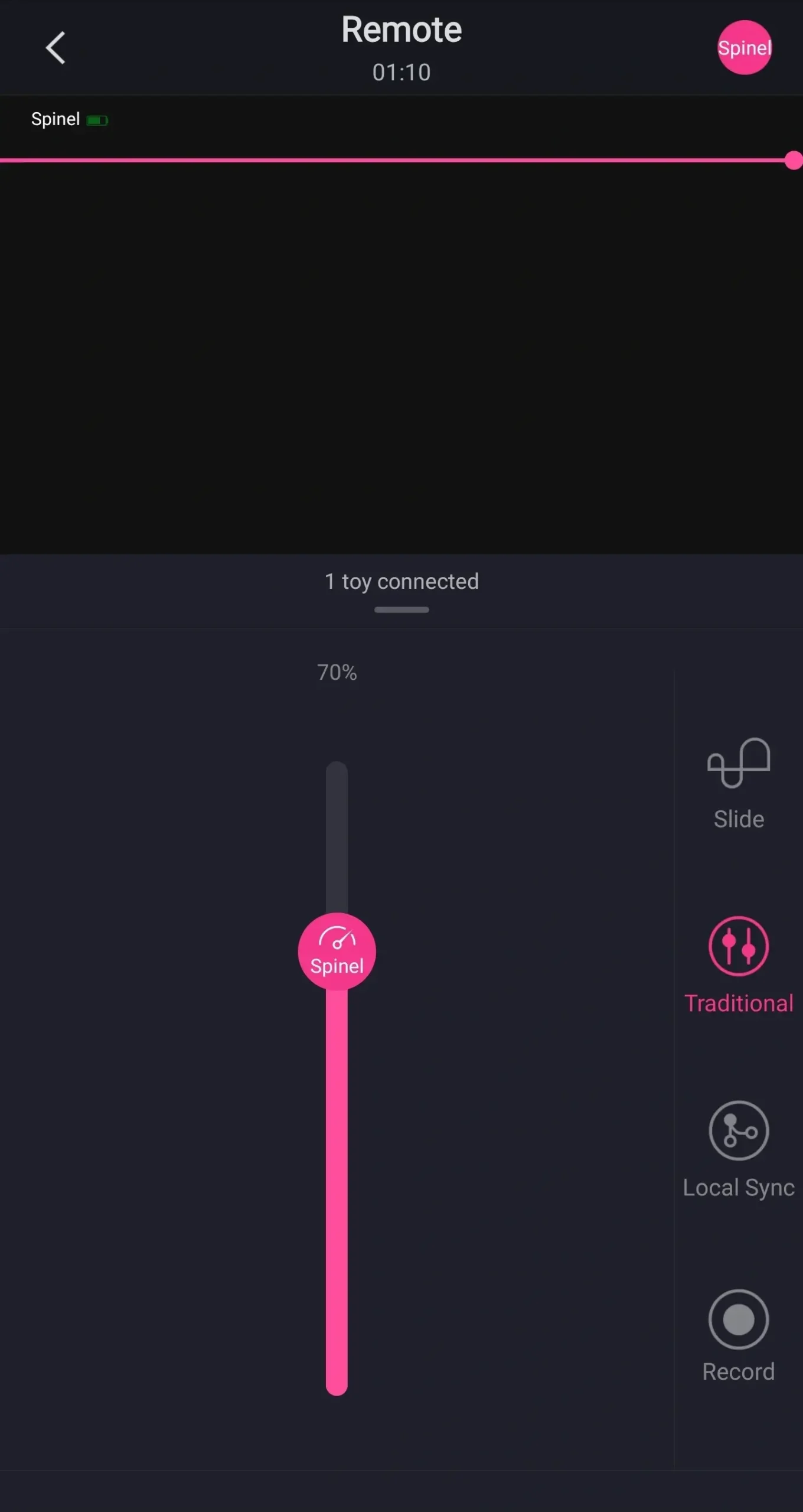
Next on the right hand side is traditional. This is very similar to the float feature and it’s how the controls used to look.
Next on the right hand side is local sync. Local sync uses sensors within toys. These sensors trigger the other toy and makes them vibrate or move and their sensors will do the same to the spindle.
Finally on the right hand side is record.
Record Lovense Patterns And Save
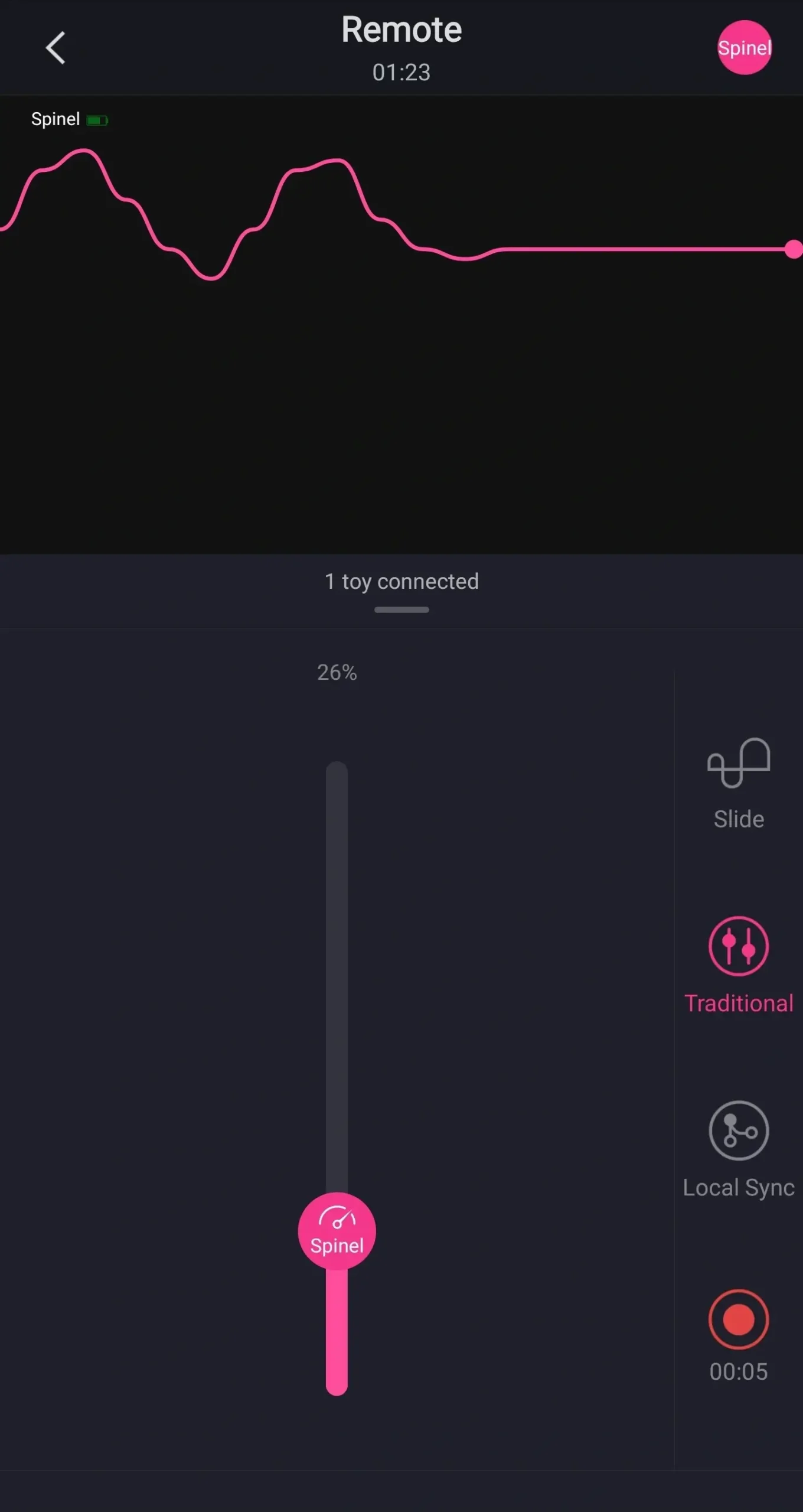
This allows you to create a pattern that you can save onto your phone or your toy.
When you’ve finished creating your pattern click on the record button again and it will automatically save on your app. You can start recording in any of the modes.
My Patterns Tab Explained
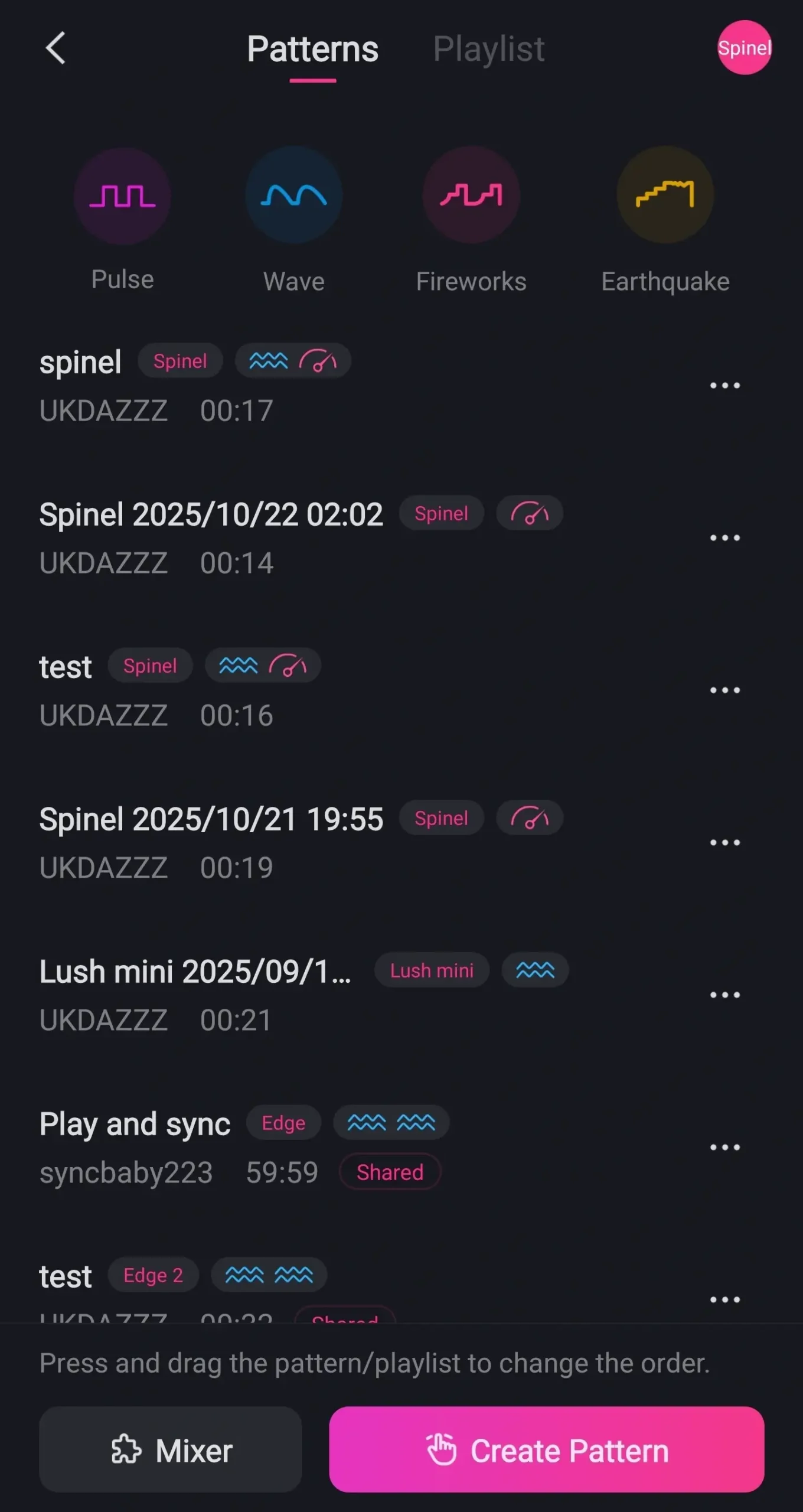
Back to the main menu and this time we’re going to click on patterns.
This is where any of the patterns that you’ve created are saved. You can select any of the patterns and they’ll start playing. You can stop, pause and skip between patterns.
If you click on the three dots you can share it, rename it and delete it.
Using Lovense Pattern Mixer
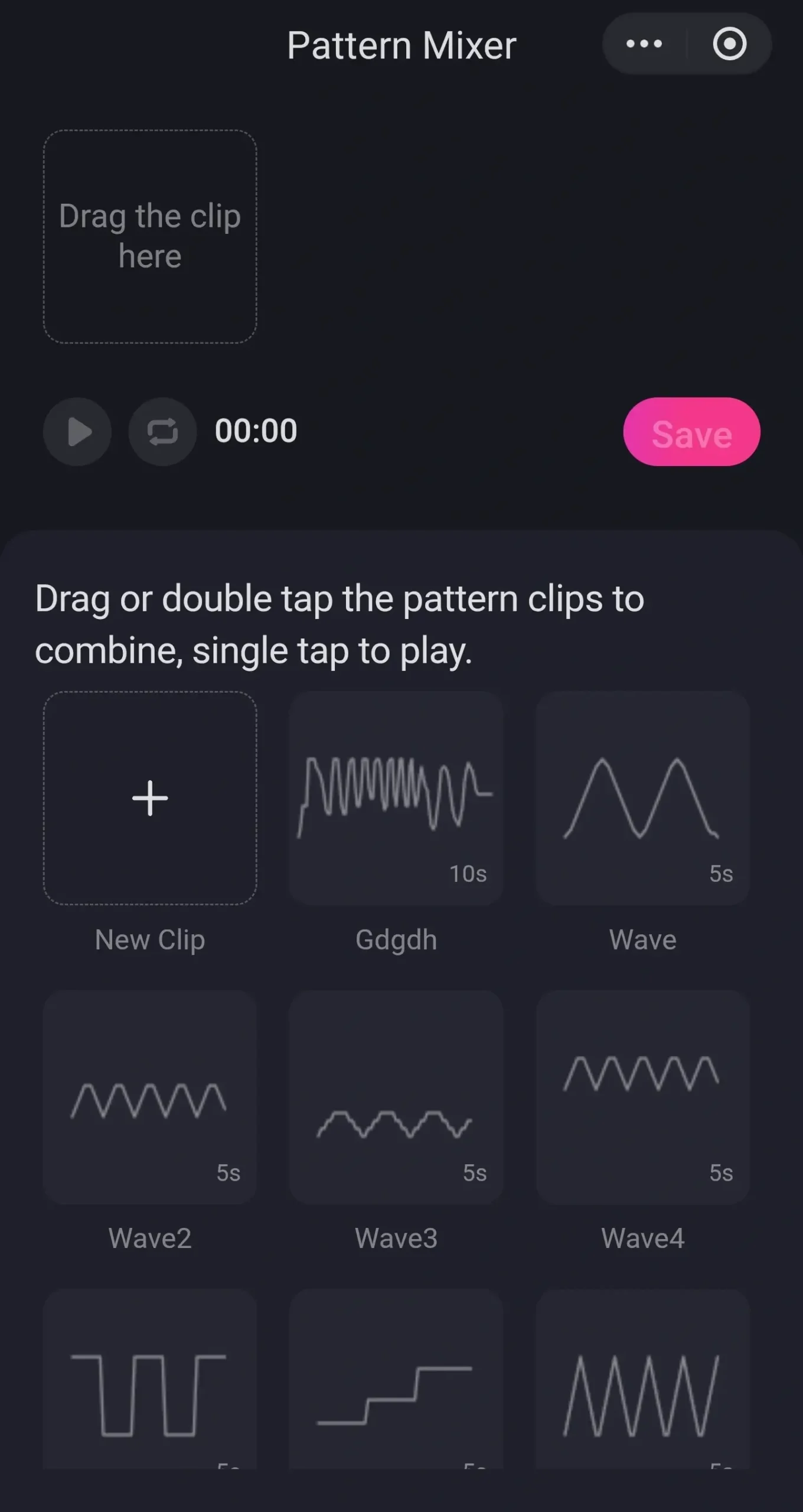
Back to the patterns list and we’re going to click on mixer. The app then will load a new page.
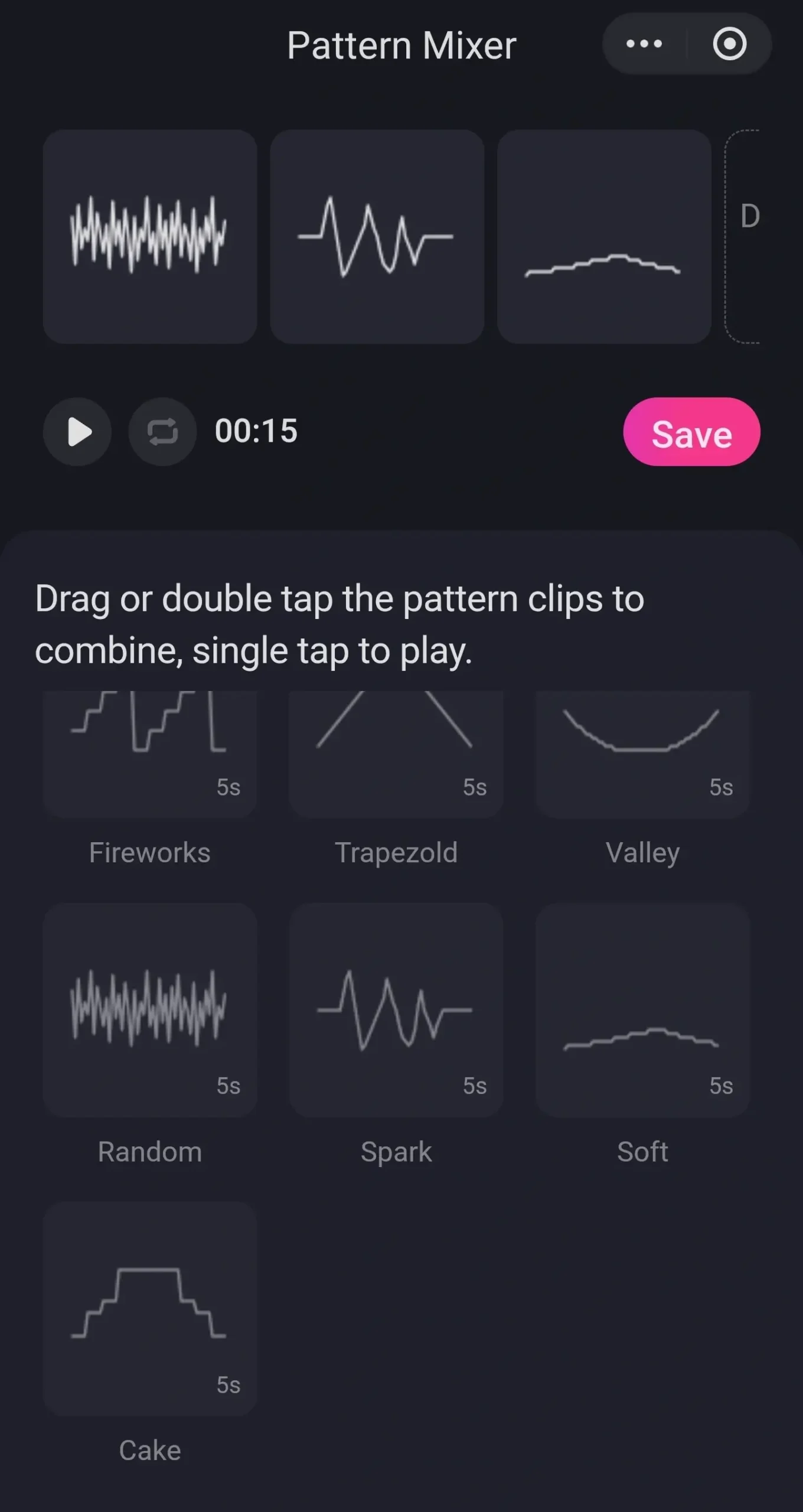
Here you’ll be able to add preset vibration patterns to the same pattern. Select or add a pattern and slide it up to the top of the screen. Then find another pattern that you want to add and slide it up next to it.
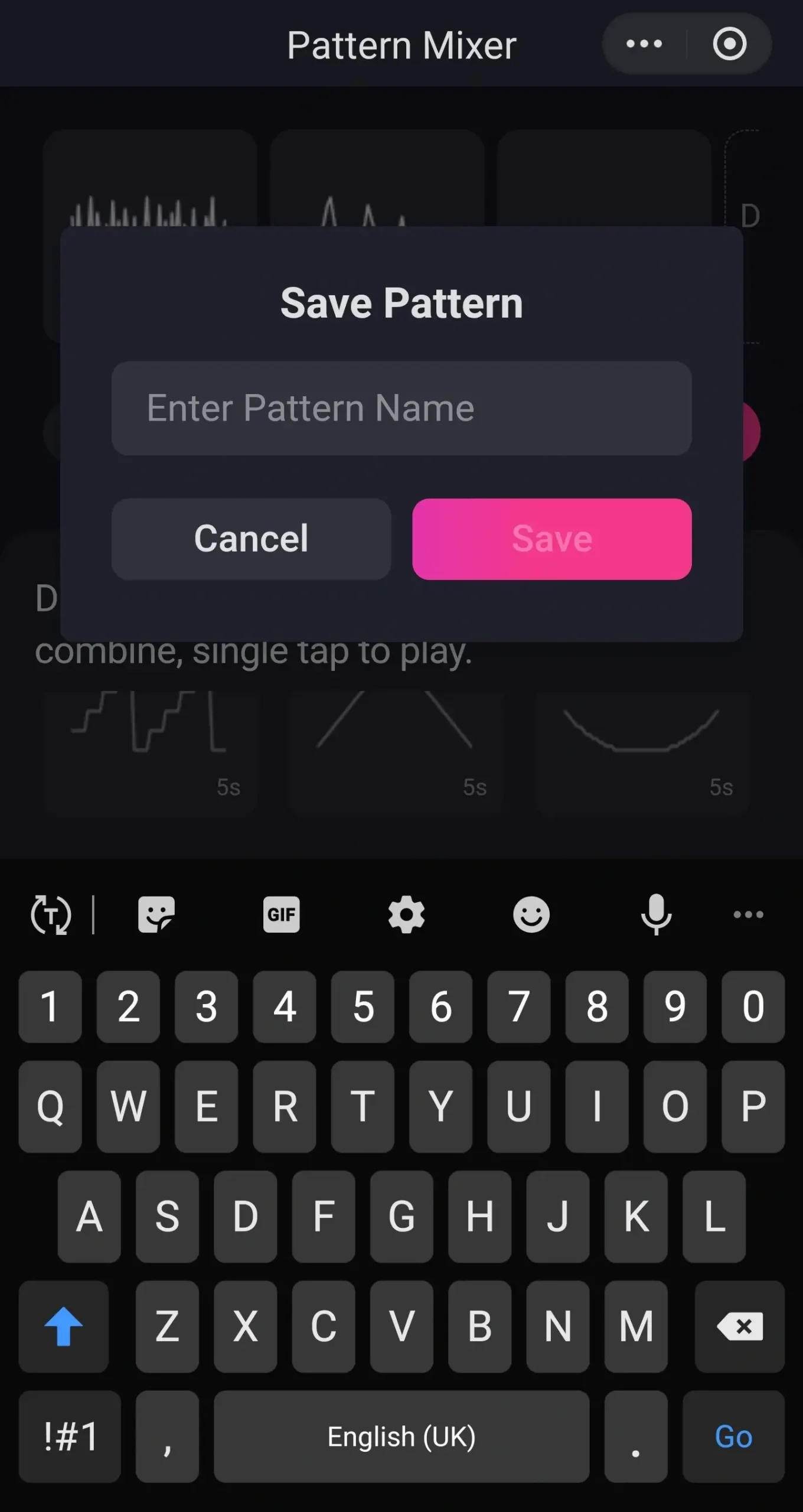
Click on the play button on the left hand side of the screen and your toy will vibrate and it’ll play the pattern. Once you’re happy with what you’ve created click on the save button and name your pattern. It’ll then be saved in your patterns list.
How To Create A Pattern In The Remote App
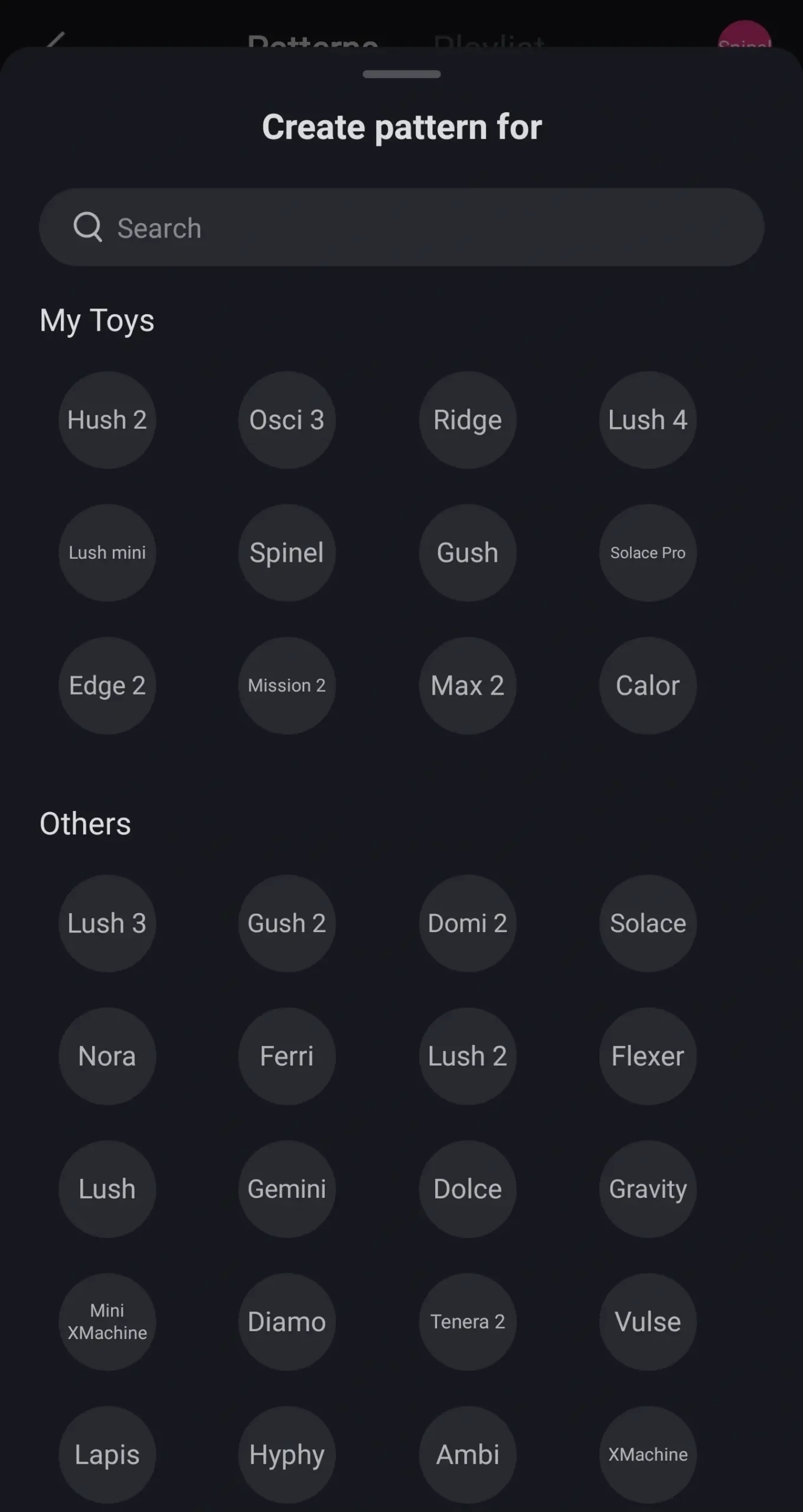
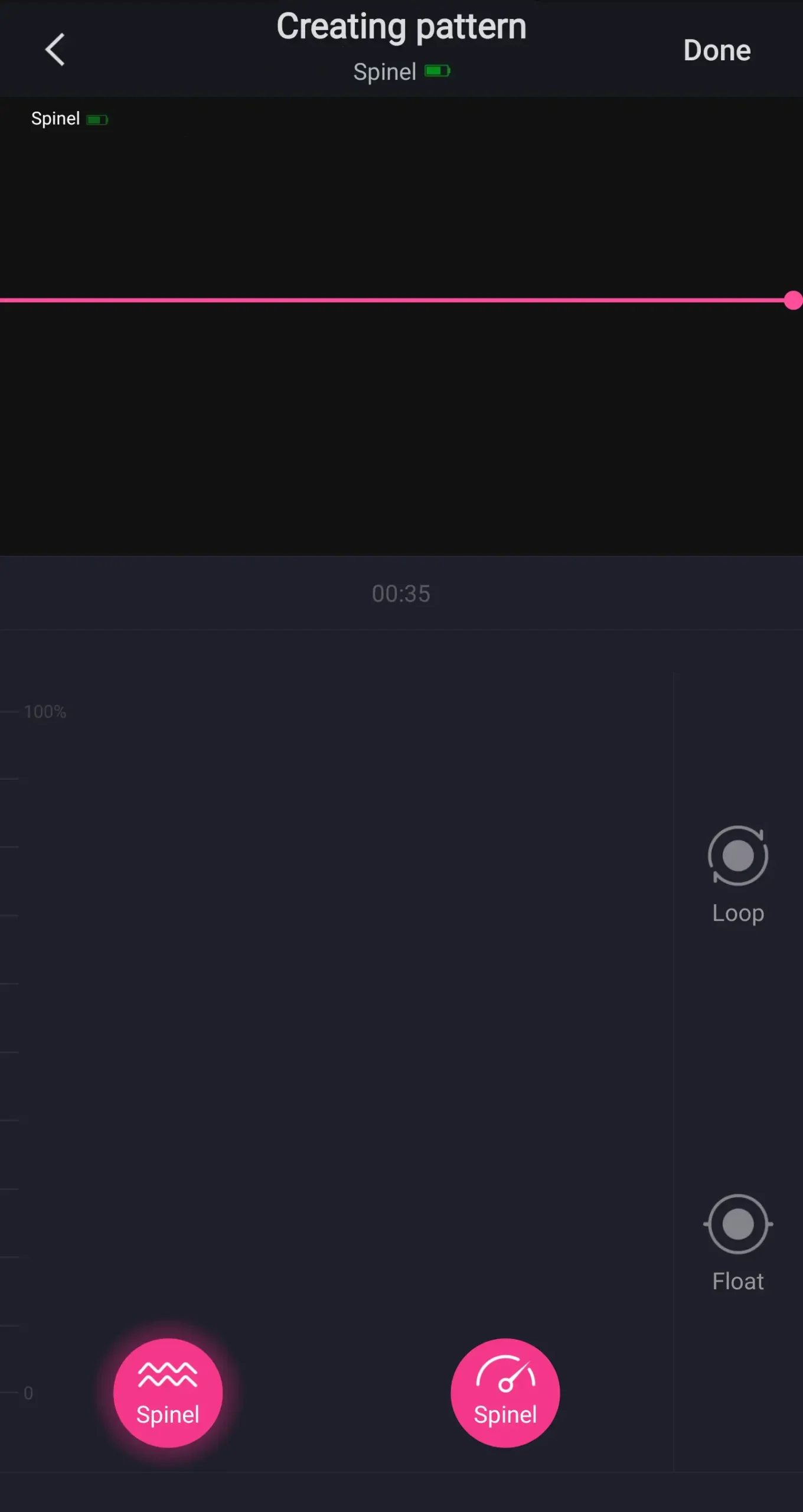
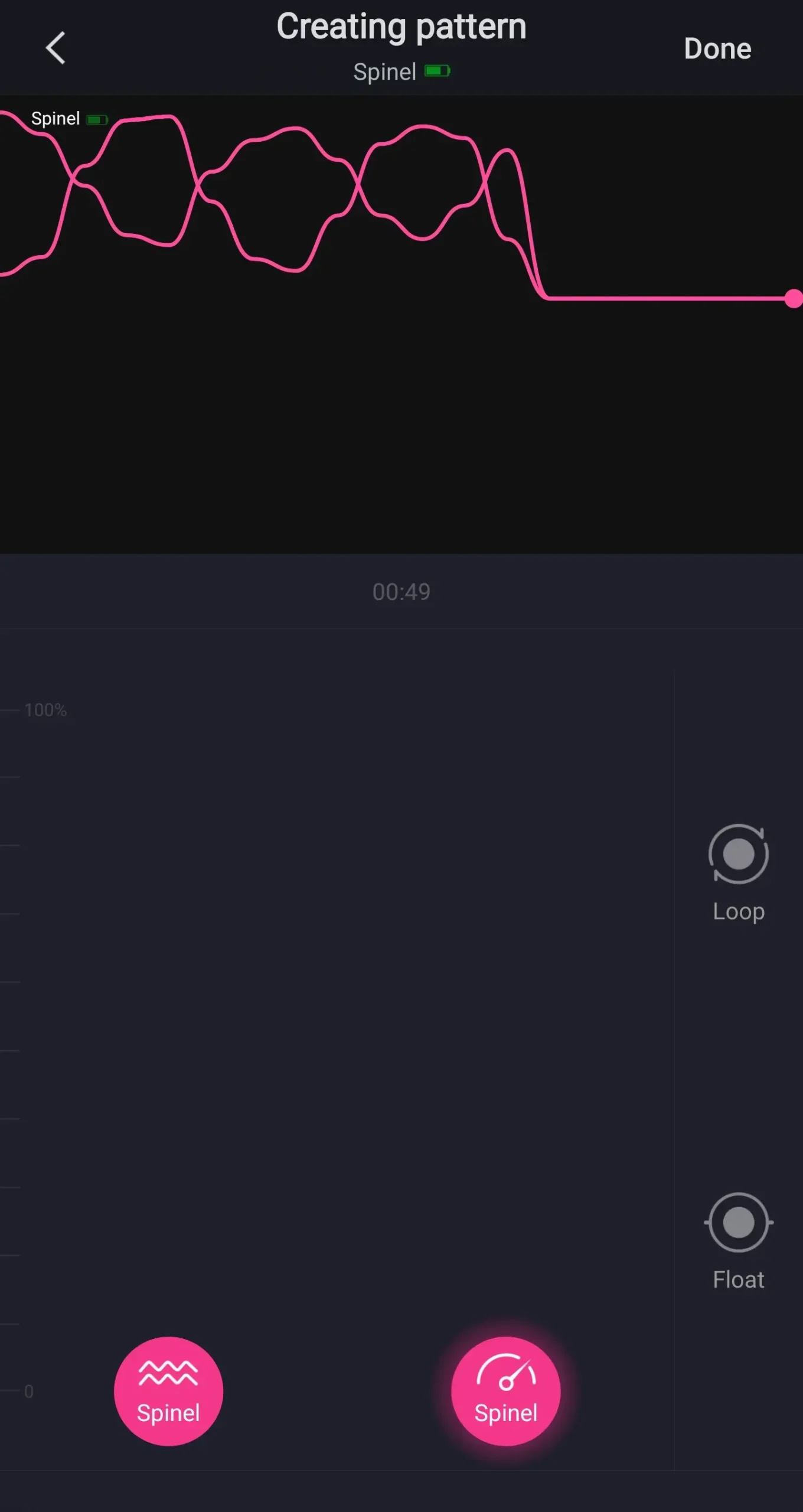
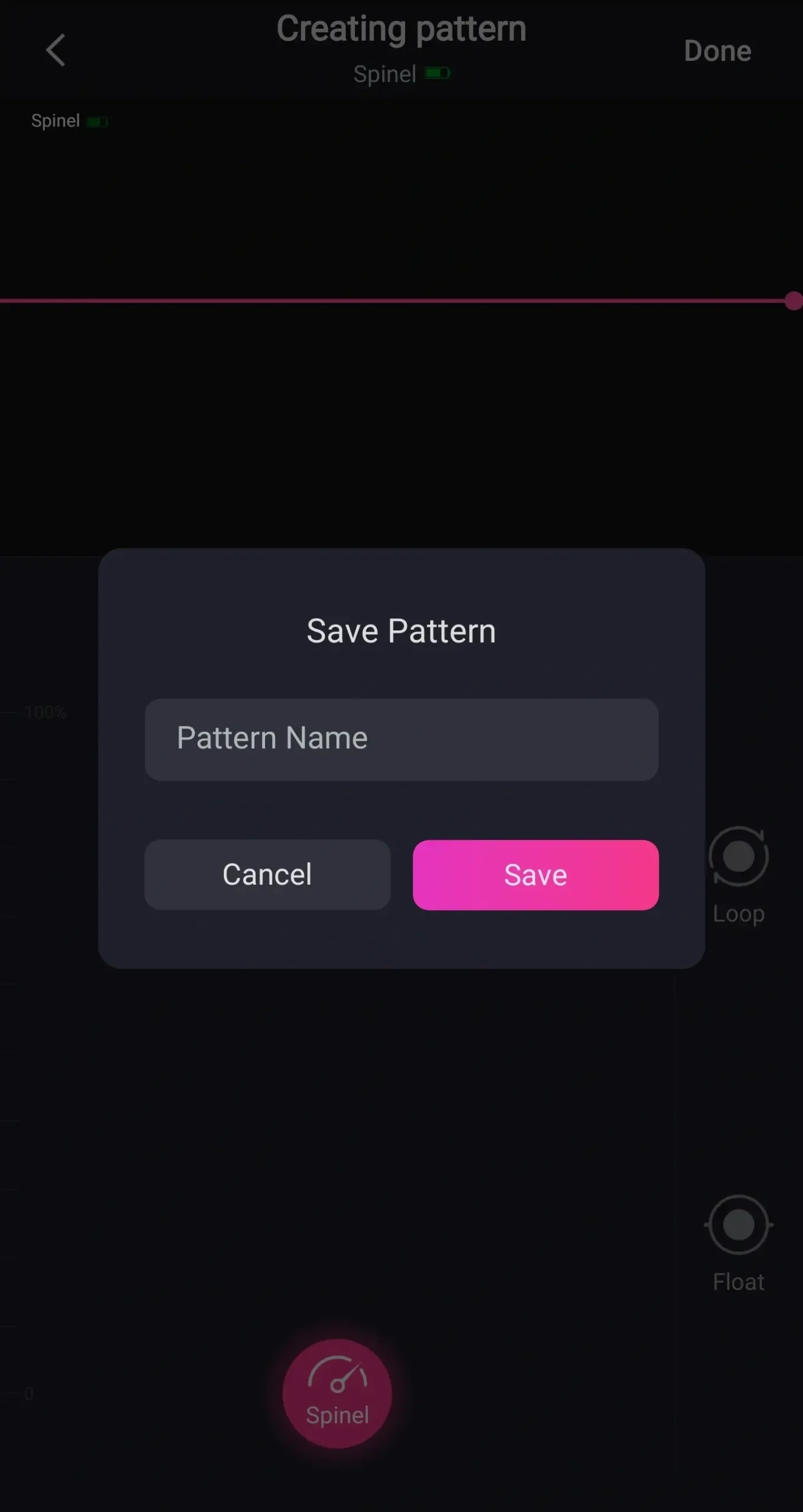
Next we’re going to click on create pattern. Select the toy you want to make your pattern for. Then you can create a pattern that will save onto your list.
Once you’ve finished click on the done button in the top right hand side of the screen. Like before name it and click on save. You’ll then see it in your patterns list.
If you click on the three dots you can share the pattern. When you’re ready to share click on the done button in the top right hand side of the screen. If we click on the three dots again we can rename our pattern.
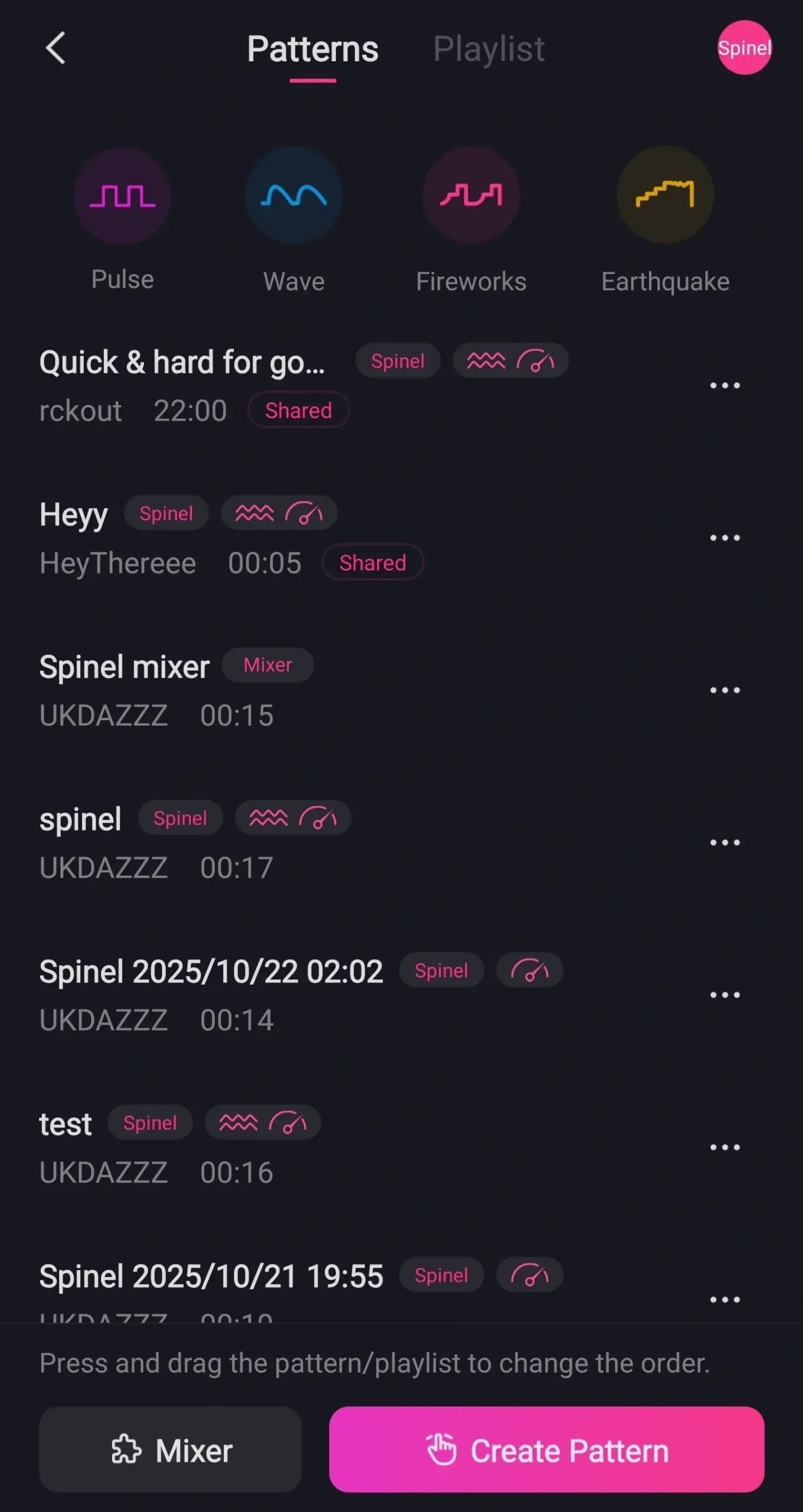
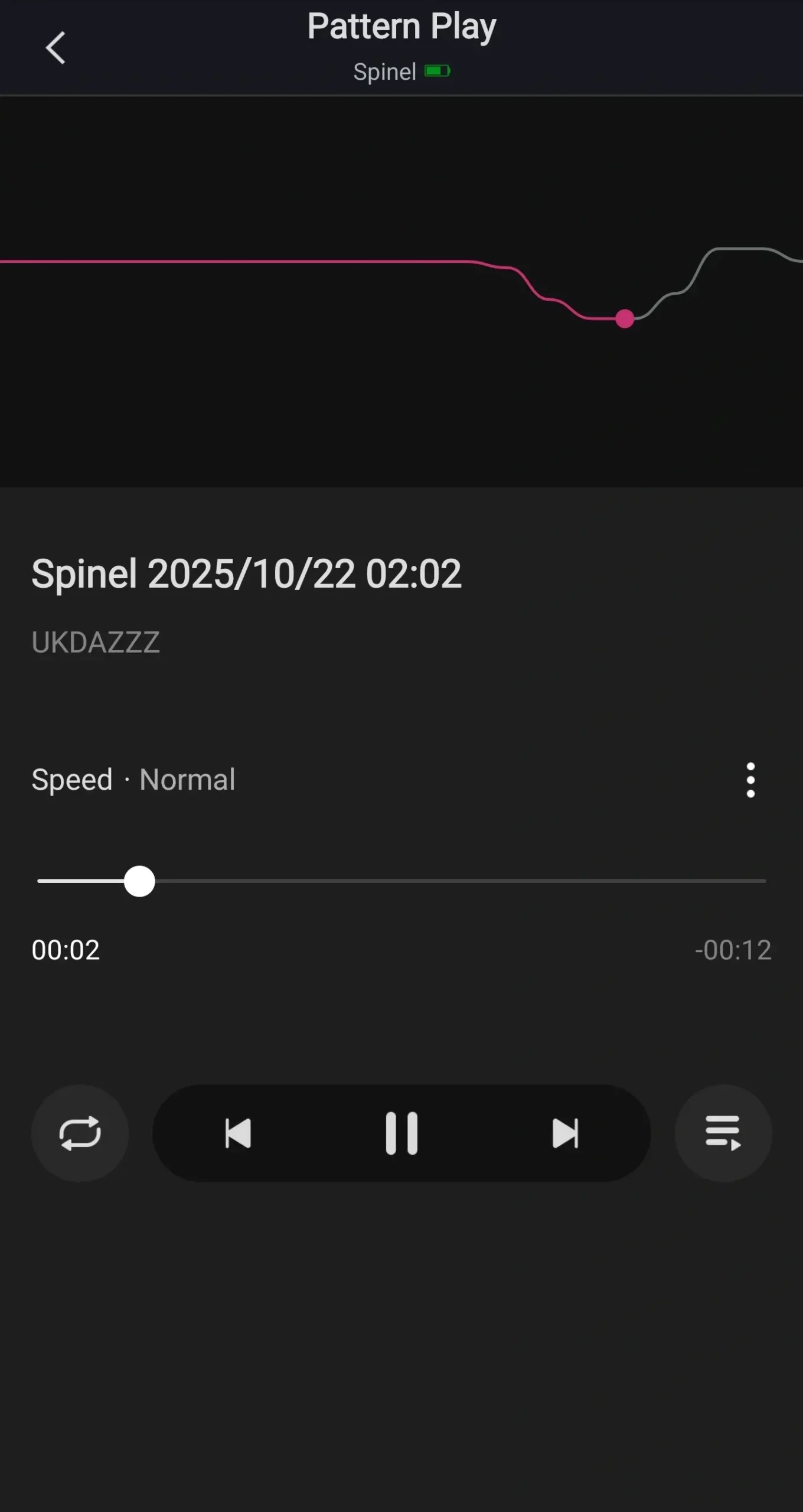
We also have the option to delete it and add it to our playlist.
Lovense Remote Playlist
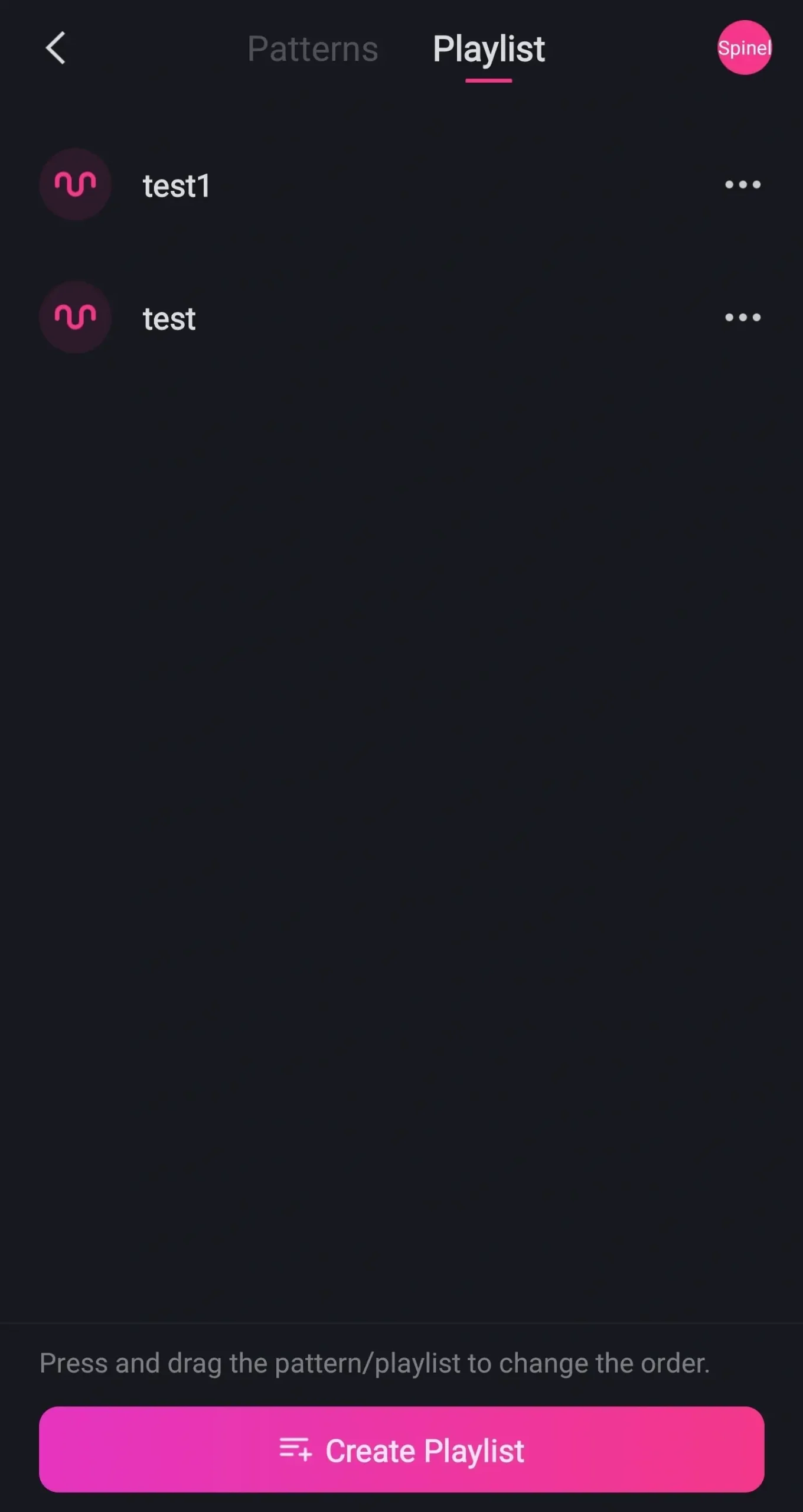
A playlist is exactly how it sounds. Just not with music or videos, it’s with vibration patterns.
Click on create pattern and you’ll be able to name that playlist. If you’ve created a playlist before select it and click on done. To use any of the patterns in your playlist click on playlist in the top of the screen.
You’ll then be shown a list of all the playlists you’ve created. Select one and it will show you your patterns. Then all you need to do is select one and it will start playing through your playlist.
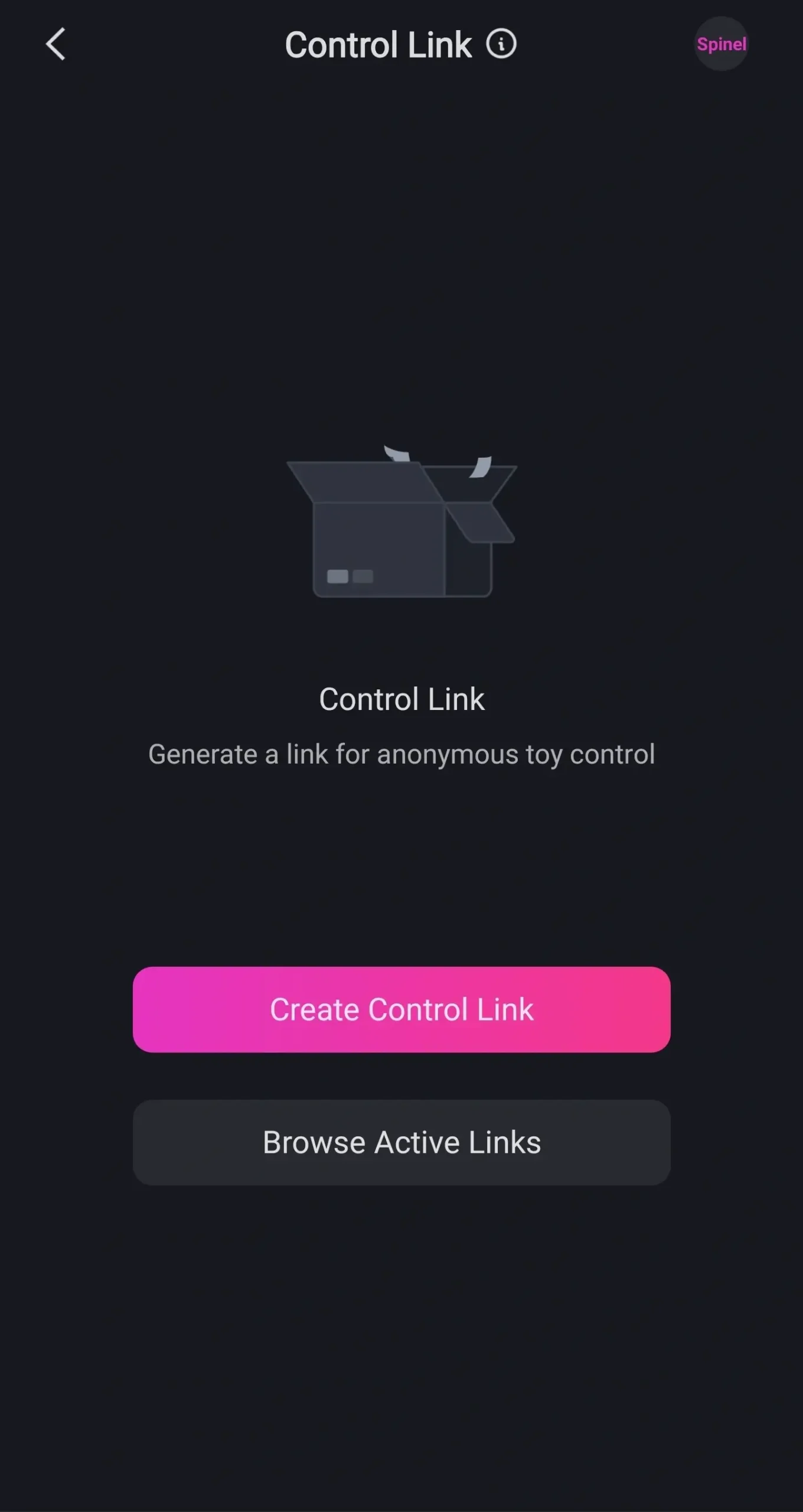
Back to the main menu and we’re going to click on control link.
How To Create Lovense Control Links
This is one of the ways you can let people control your toy. One way is adding them to your friends list or having them in the same room.
If neither of those are an option you can create a control link. You’ll be given two options. You can create a one-on-one link or you can create a group link.
A one-on-one link is exactly that. This is a link for one other person to join. A group link lets multiple people control your toy.
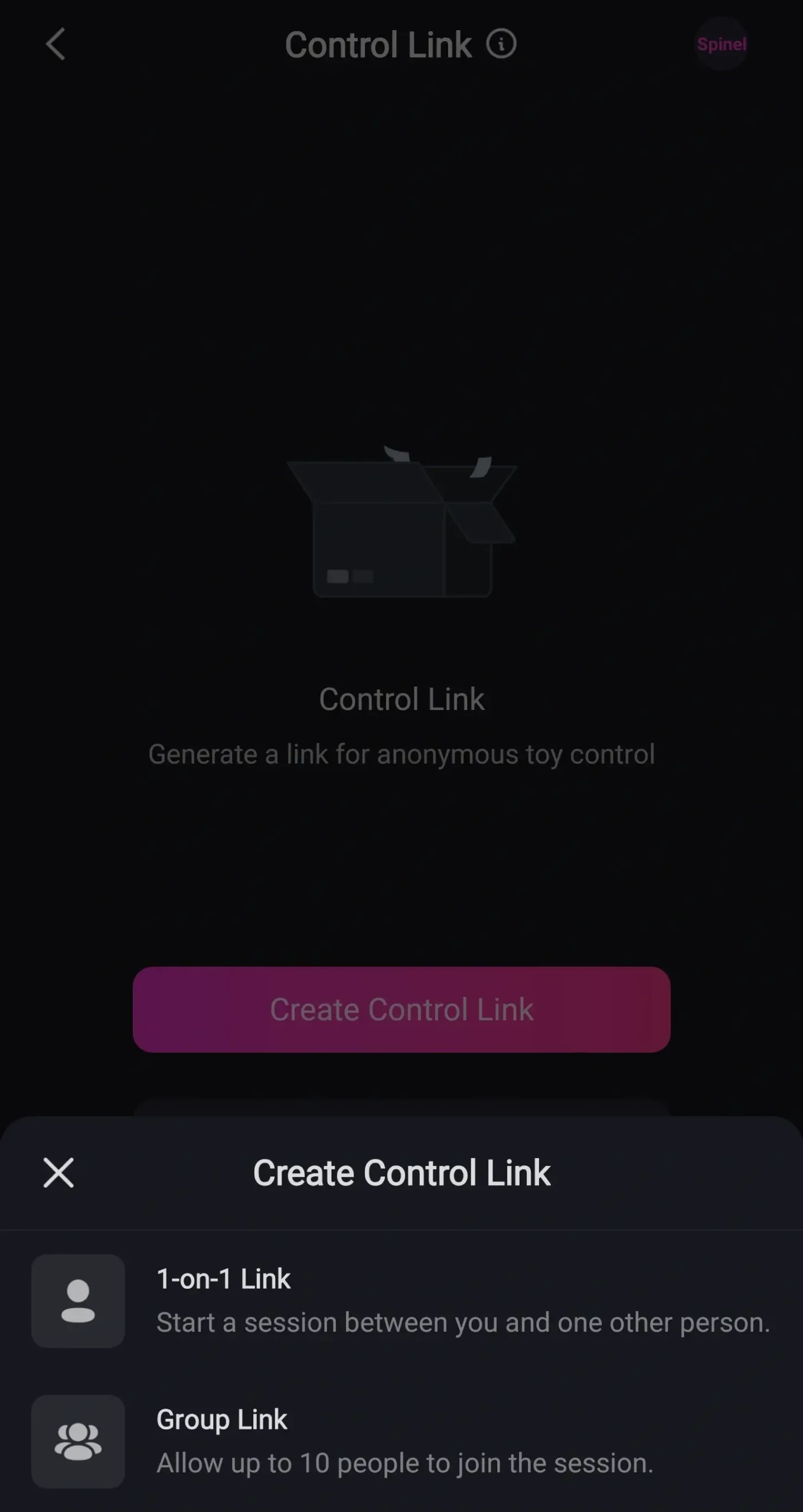
How To Create A 1-On-1 Control Link
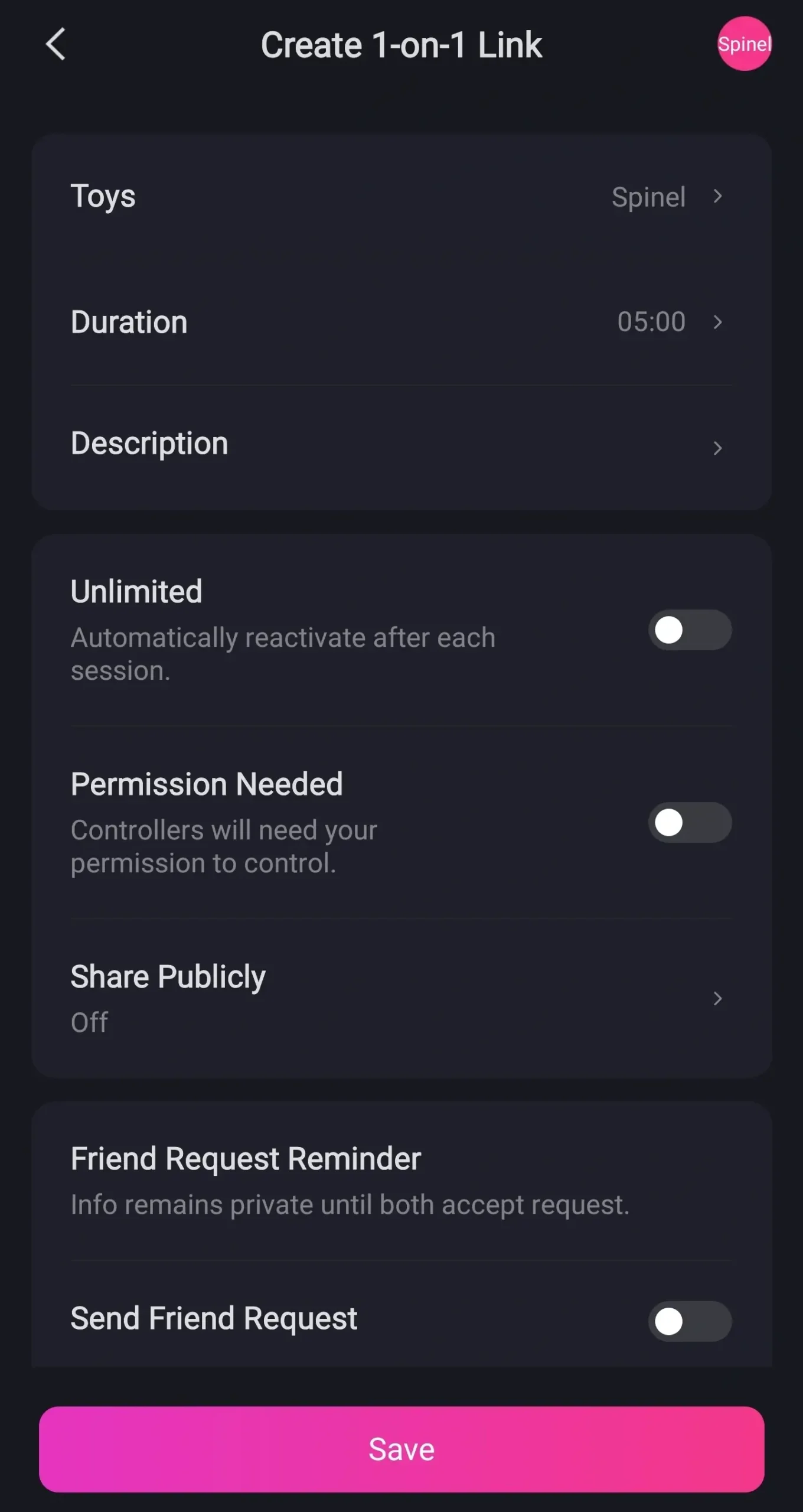
To start off with we’re going to click on one-on-one. Here you’ll be able to select which toy people can control. You can set how long for and give it a description.
You can also let people connect to it unlimited times and set whether they need any permissions. If you want anyone to be able to connect to it on the Lovense servers click on share publicly and on the bottom of the page you can send it to your friends. Once you’ve set how you want your link to act click on the save button.
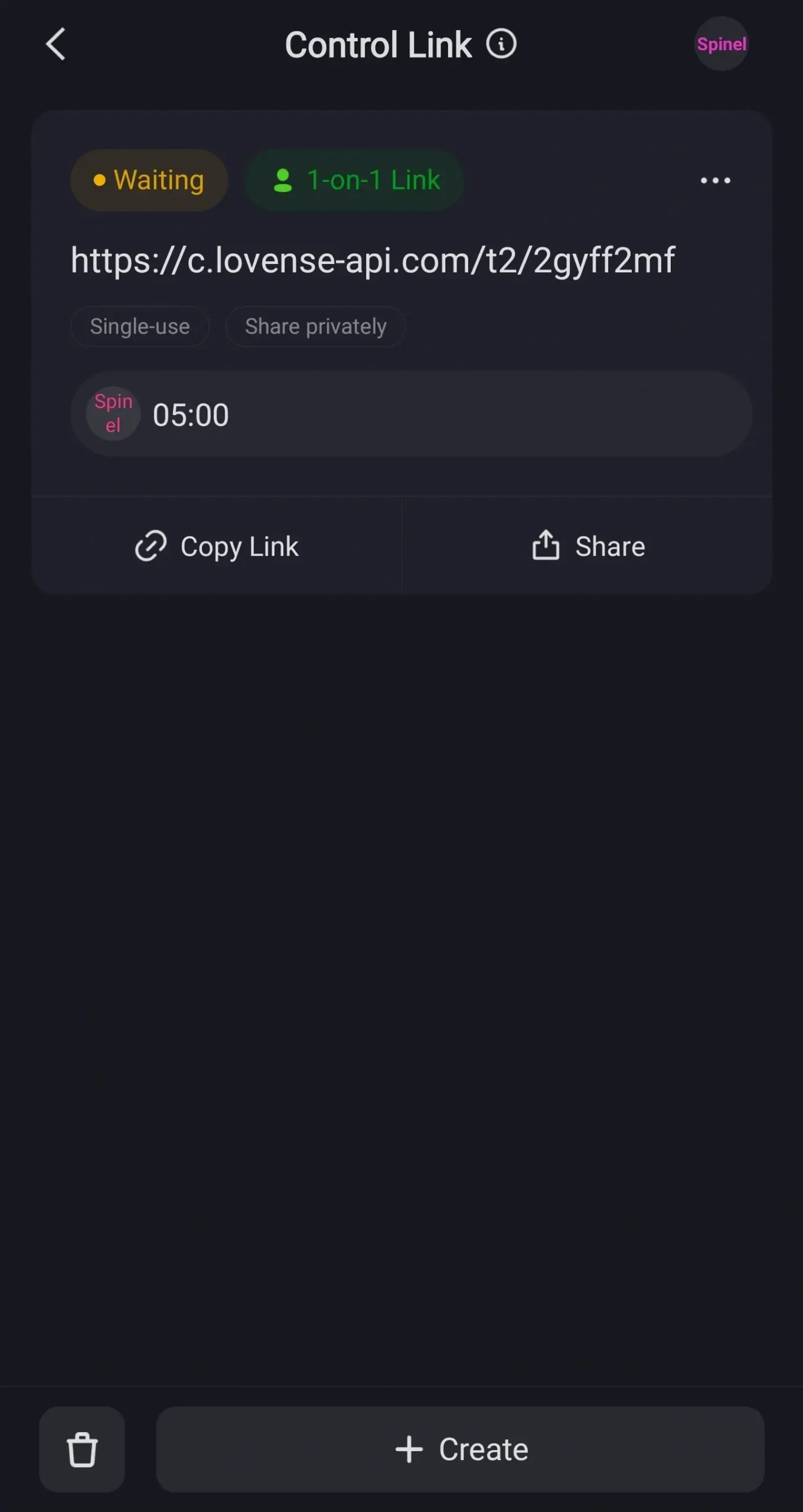
You’ll be then generated a link that you can share with other people. You can create multiple links for different toys. Just follow the same process.
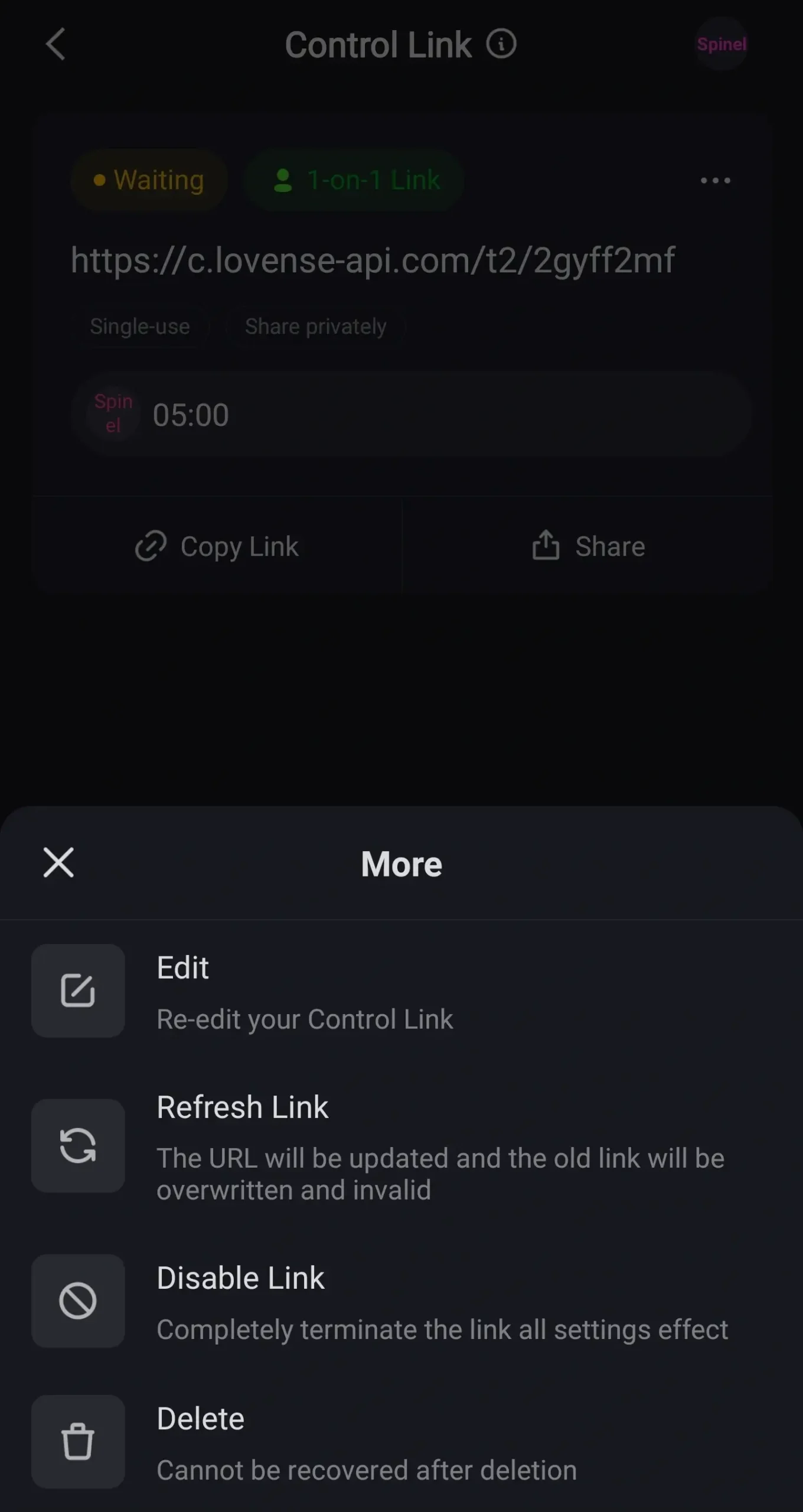
You can click on the copy link button or you can click on the share button which will let you send it to other platforms. If we go back to our link and click on the three dots on the right hand side of it it will bring up a menu. Here you’ll have the option to edit your link.
This is basically like setting up a new link and you can also change its expiration time. Once you’ve edited your link make sure to click on the refresh link button. You can also disable the link temporarily or you can delete it completely.